Privacy
Your list is nobody else’s business.
We never collect your task titles, notes or comments. We don’t sell your data, and there are no ads.
Read the privacy policy
Capture what matters in seconds. Add custom statuses, fields, boards and automation only when the work asks for more.
Rated 4.8 out of 5 from 9,000+ ratings on the App Store worldwide4.8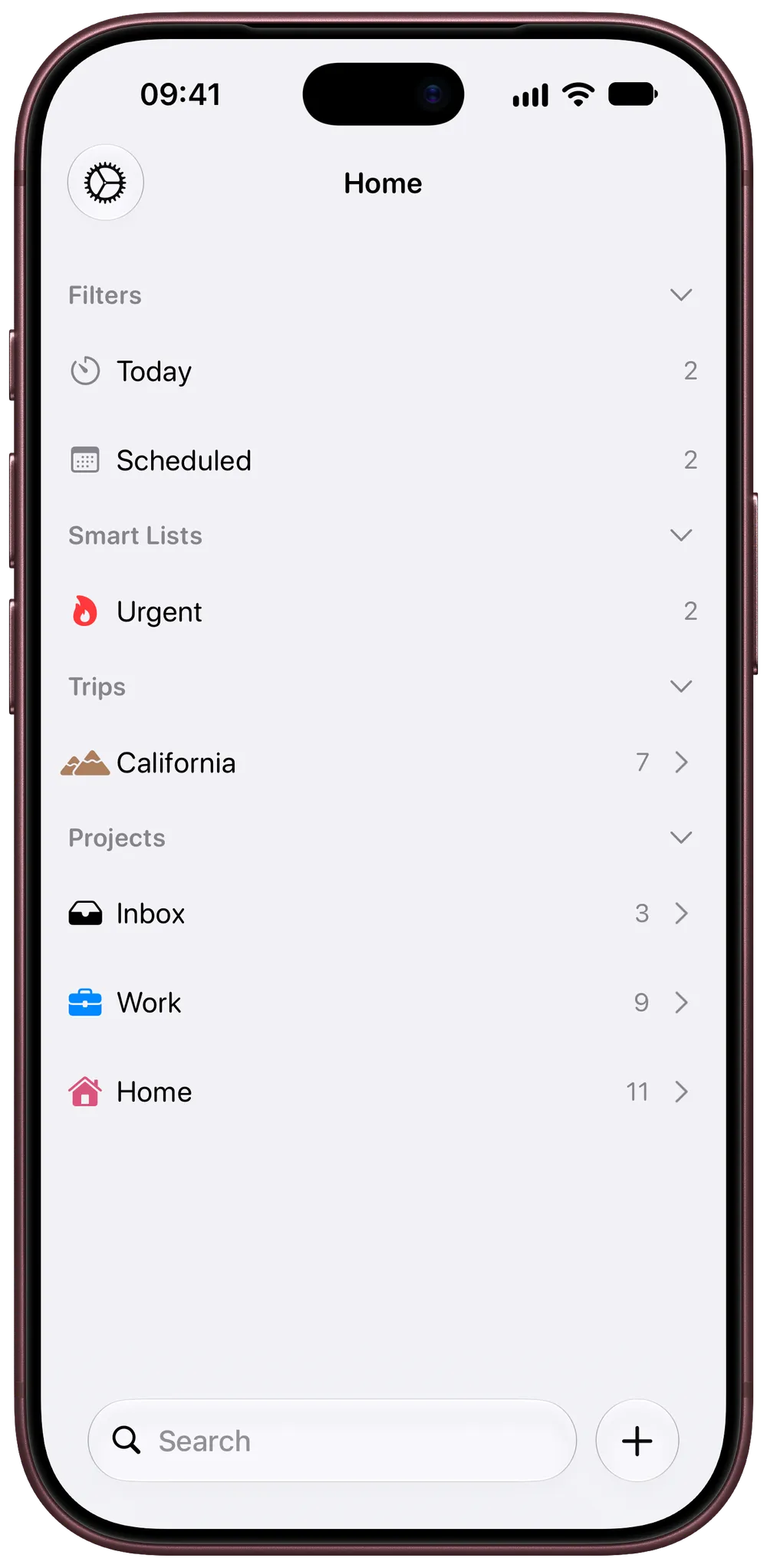

Apple’sApp of the Day
Featured in


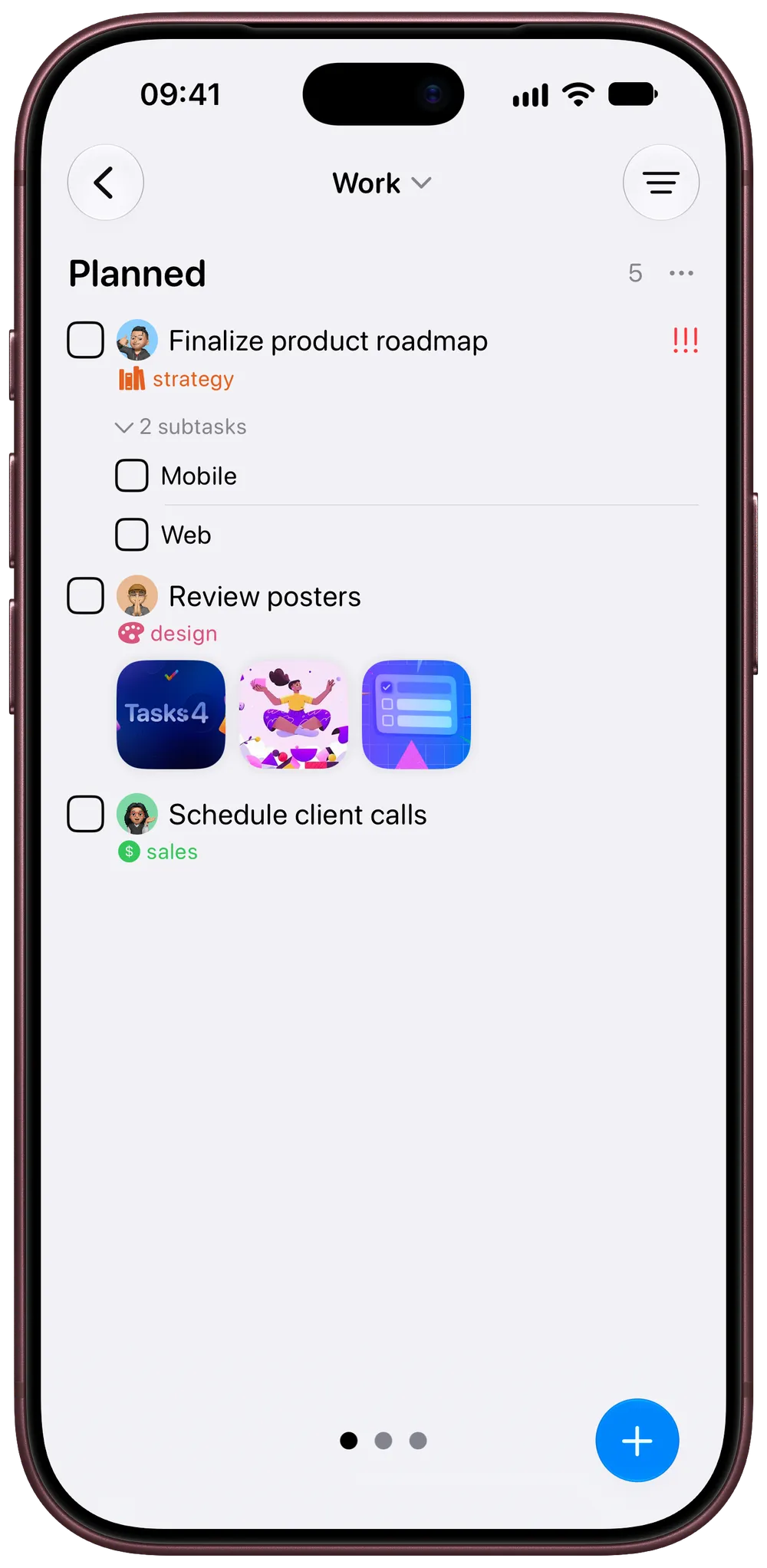
Start with a list. Groceries, a weekend away, the report due Friday. When a project needs more, add custom statuses, fields, boards and people, and the list you started with stays just as simple.
Capture
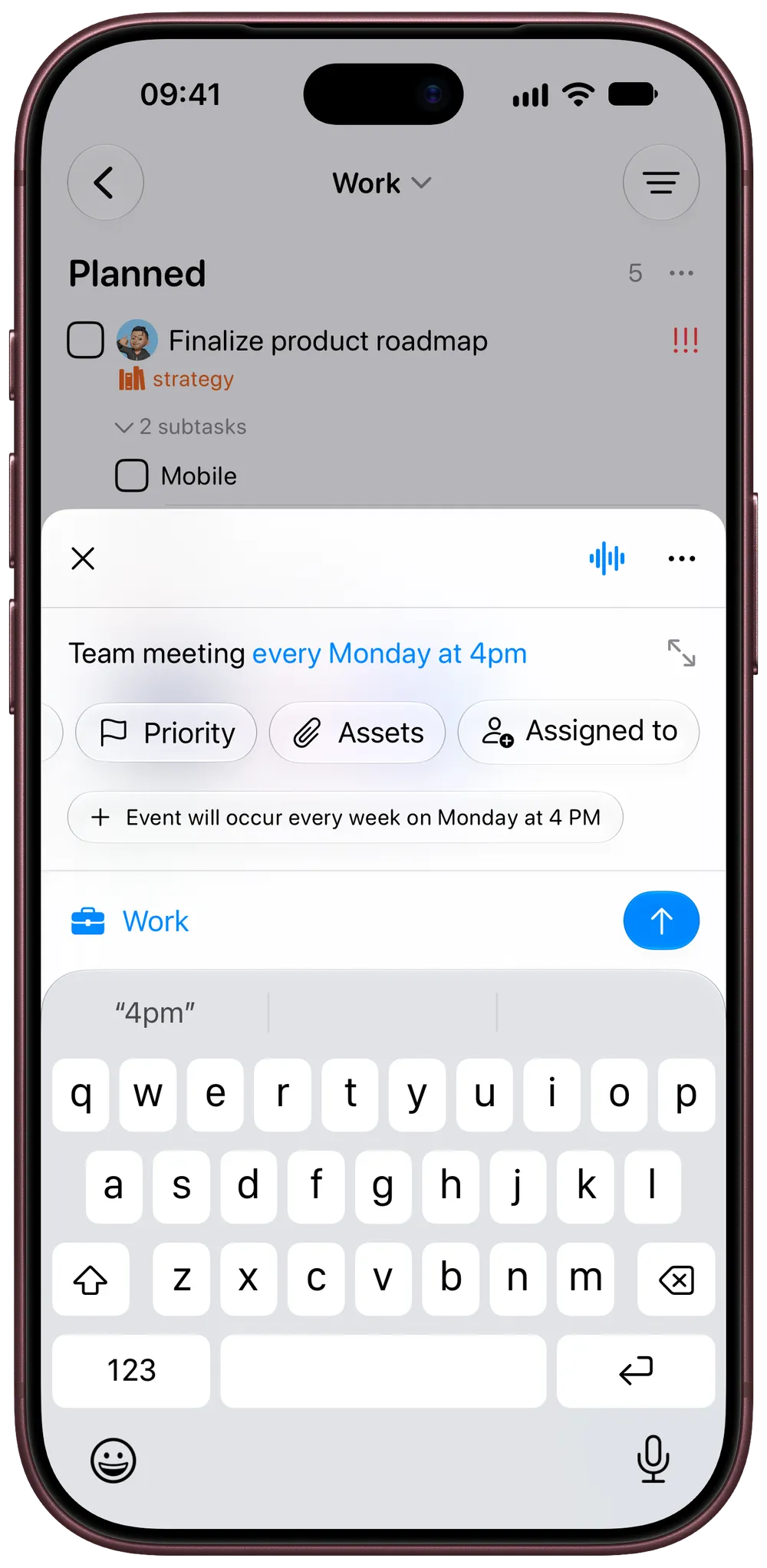
Write “Team meeting every Monday at 4pm” and Tasks sets the date and the repeat for you. Say it to Siri, share it from Safari, or paste in a whole list.
Focus
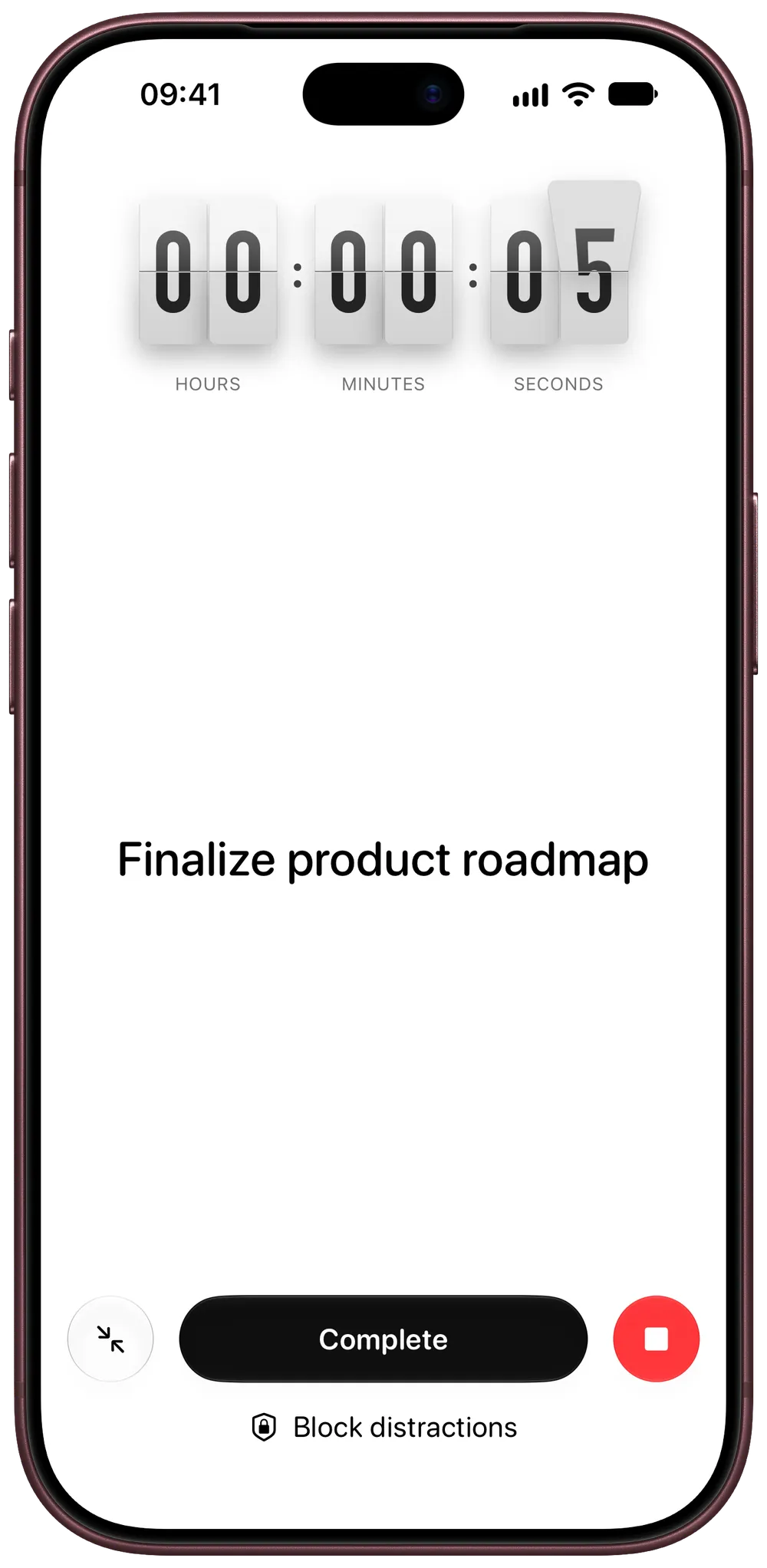
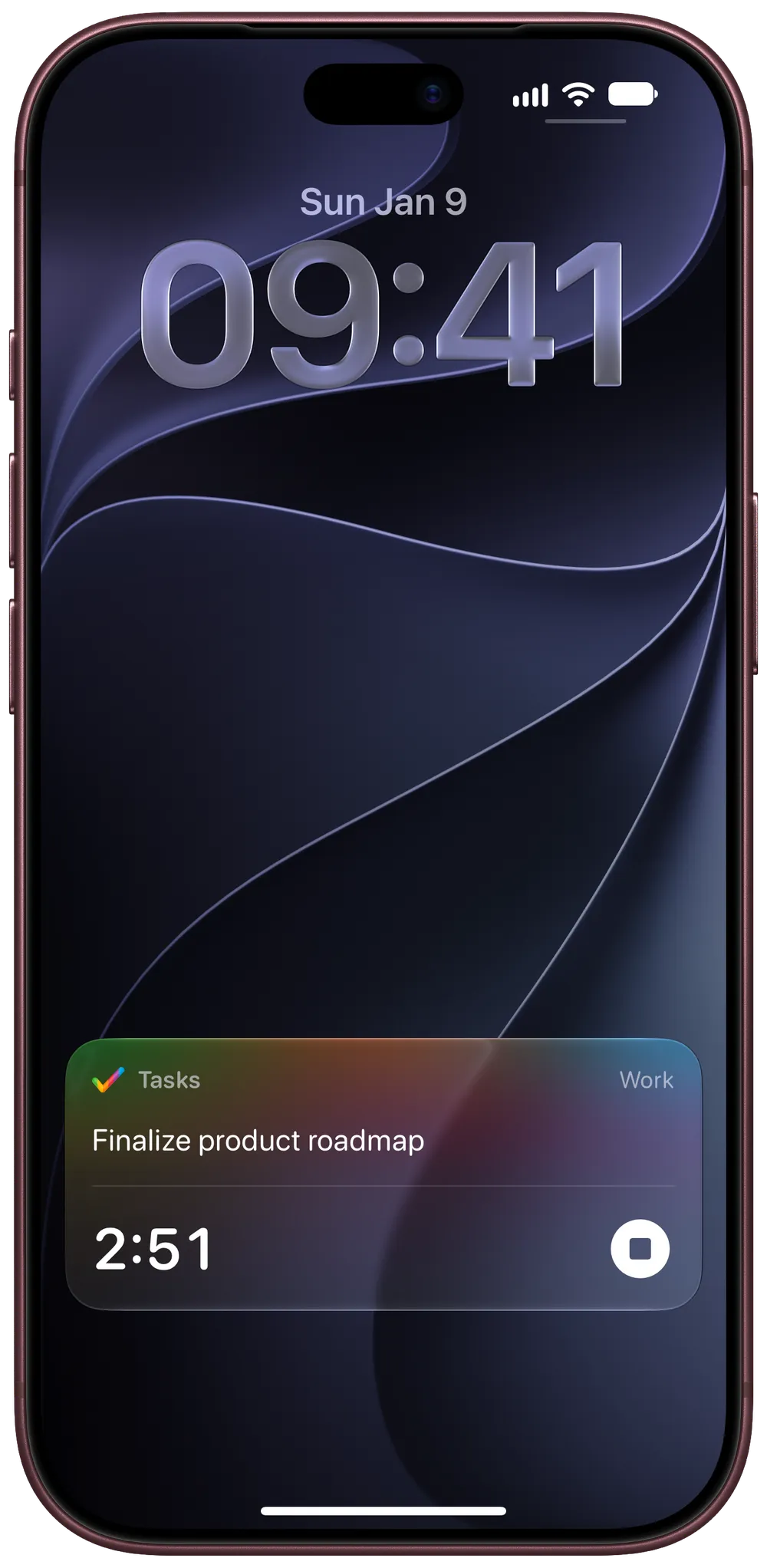
Start a timer from any task, block distracting apps while it runs, and keep an eye on it from the Lock Screen and the Dynamic Island.
Together
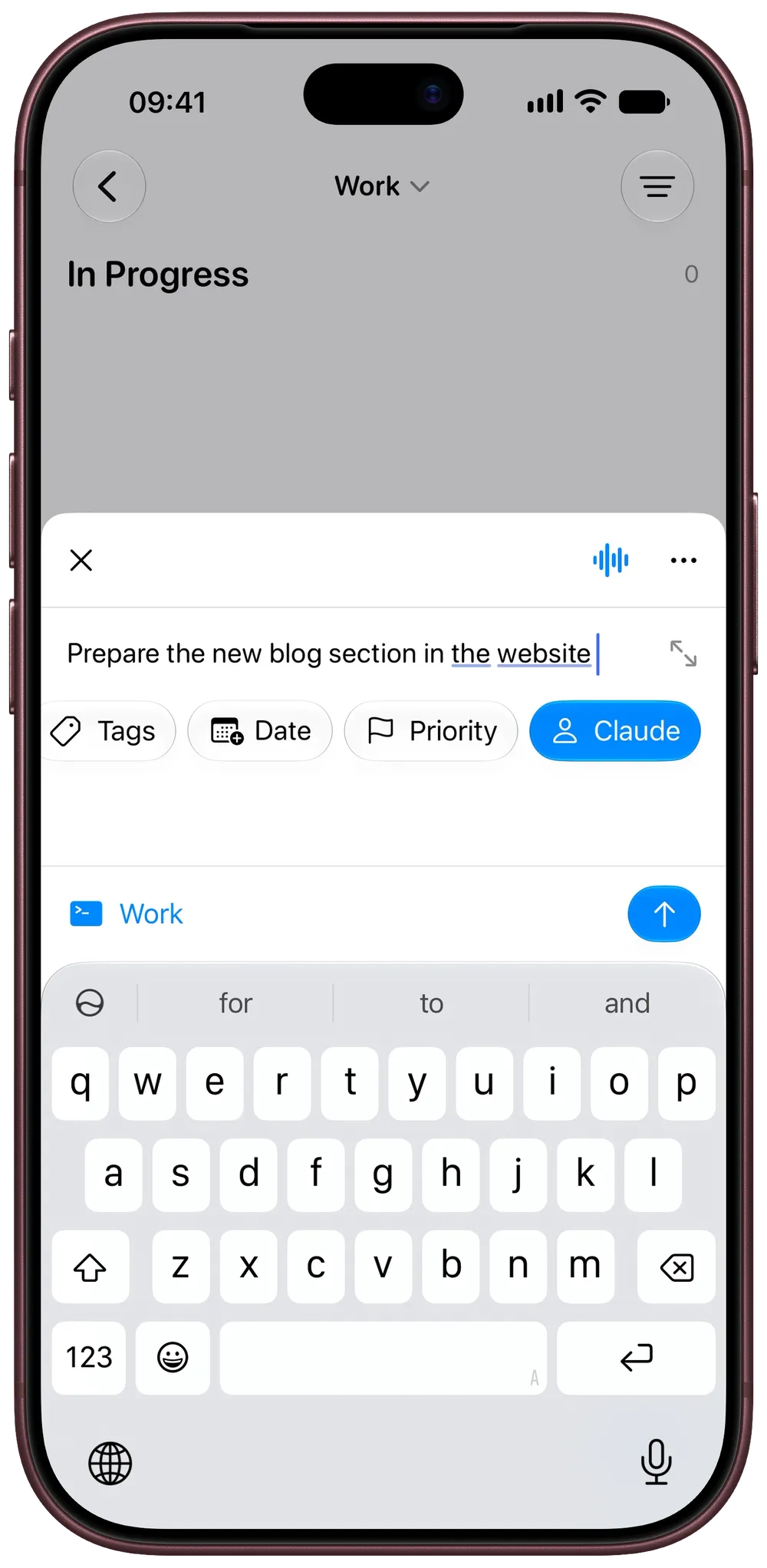
Invite people straight into a project, assign tasks and talk it through in comments. Connect ChatGPT or Claude and it joins as a collaborator of its own.
On Mac
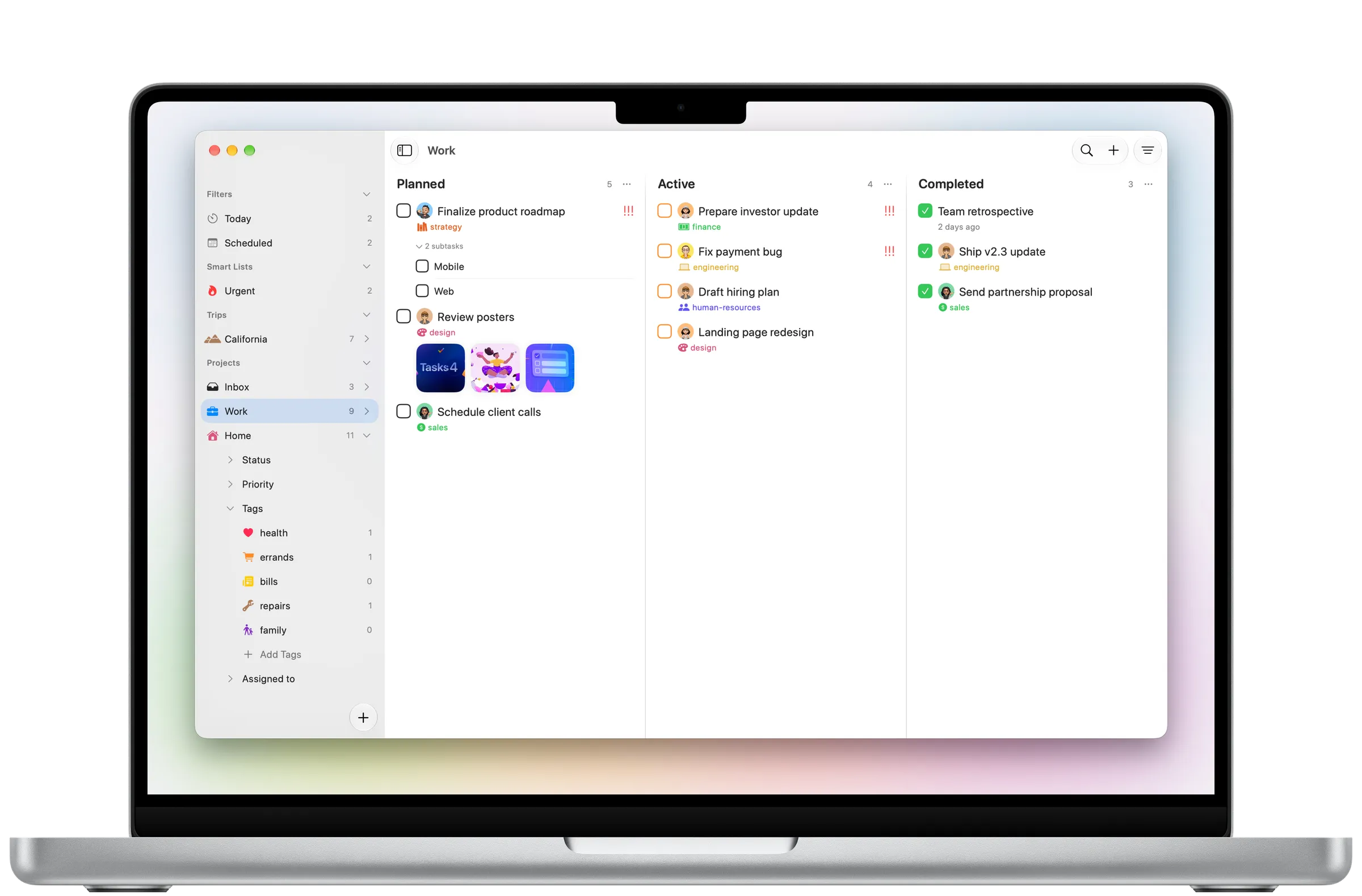
Planned, active, done. Lay your work out as a board on Mac and move it forward one column at a time, with the keyboard if you like.
Focused moments. Swipe through Tasks, screen by screen.
Natural-language capture
Type the way you think. Tasks recognises the location and repeat schedule, with priority ready to set in one tap.
Explore this feature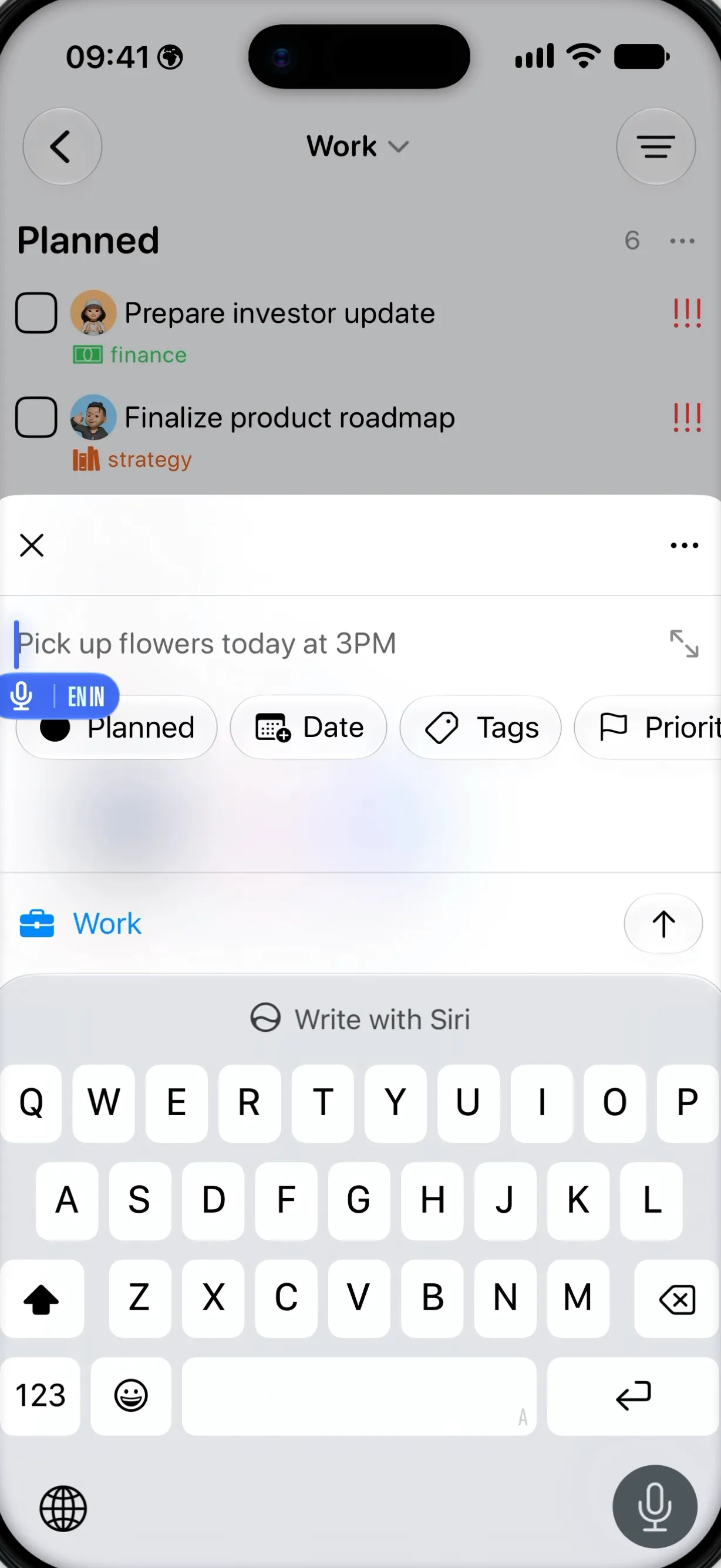

Time tracking
Track time from the task, block distracting apps, and monitor or stop the timer from a Live Activity.
Explore this feature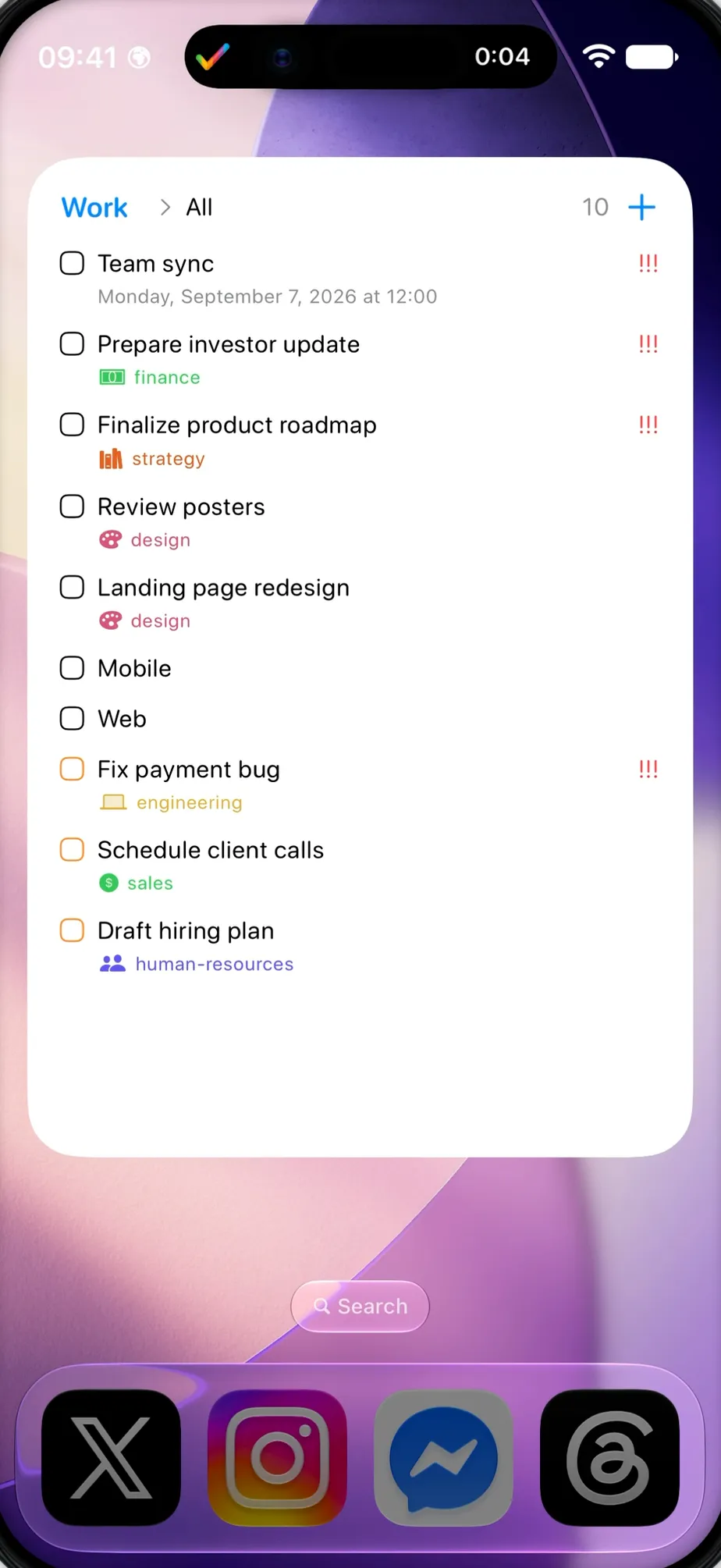
Kanban
Scroll from Planned to Active to Completed across three clear columns, with every task in its place.
Explore this feature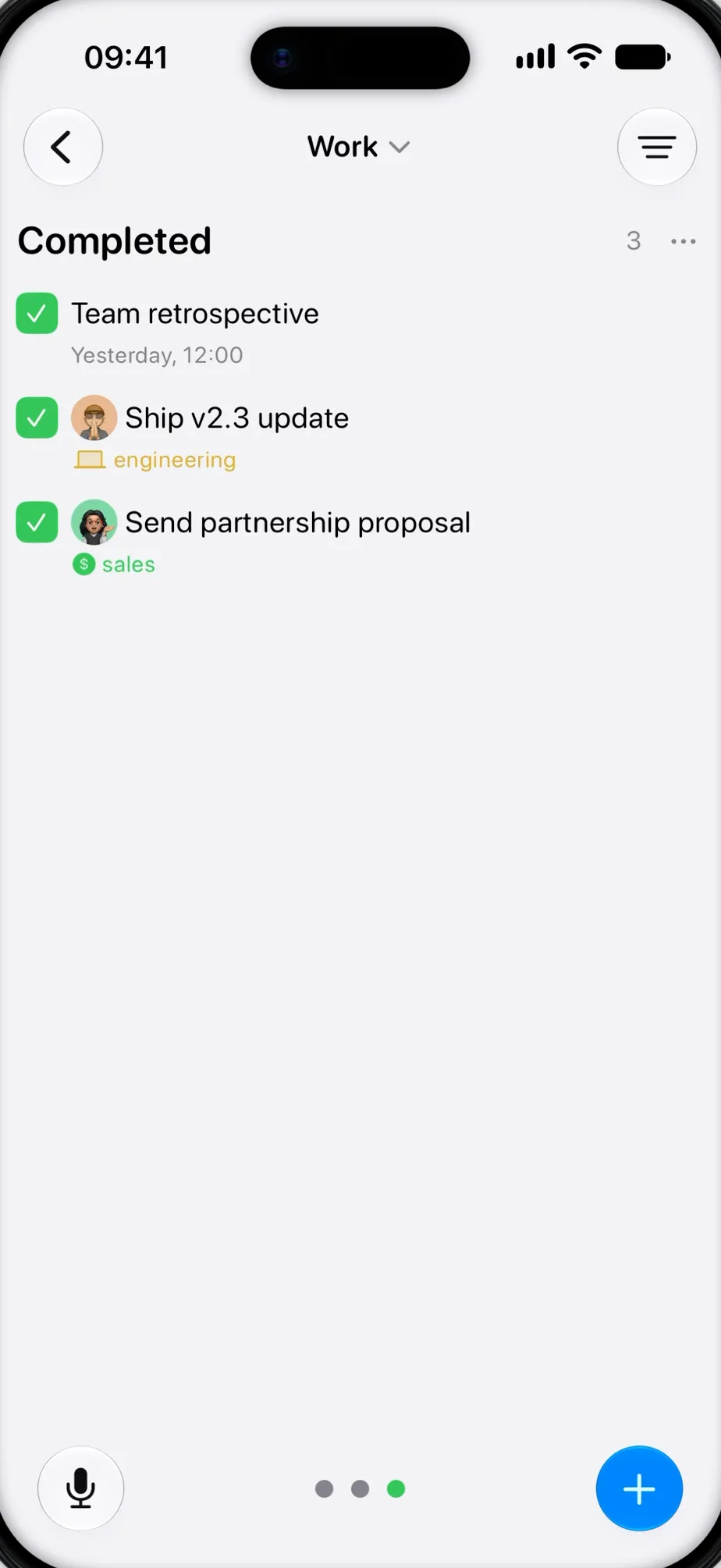
Custom columns
Create, rename and arrange the columns each project needs, without rebuilding the way you work.
Explore this feature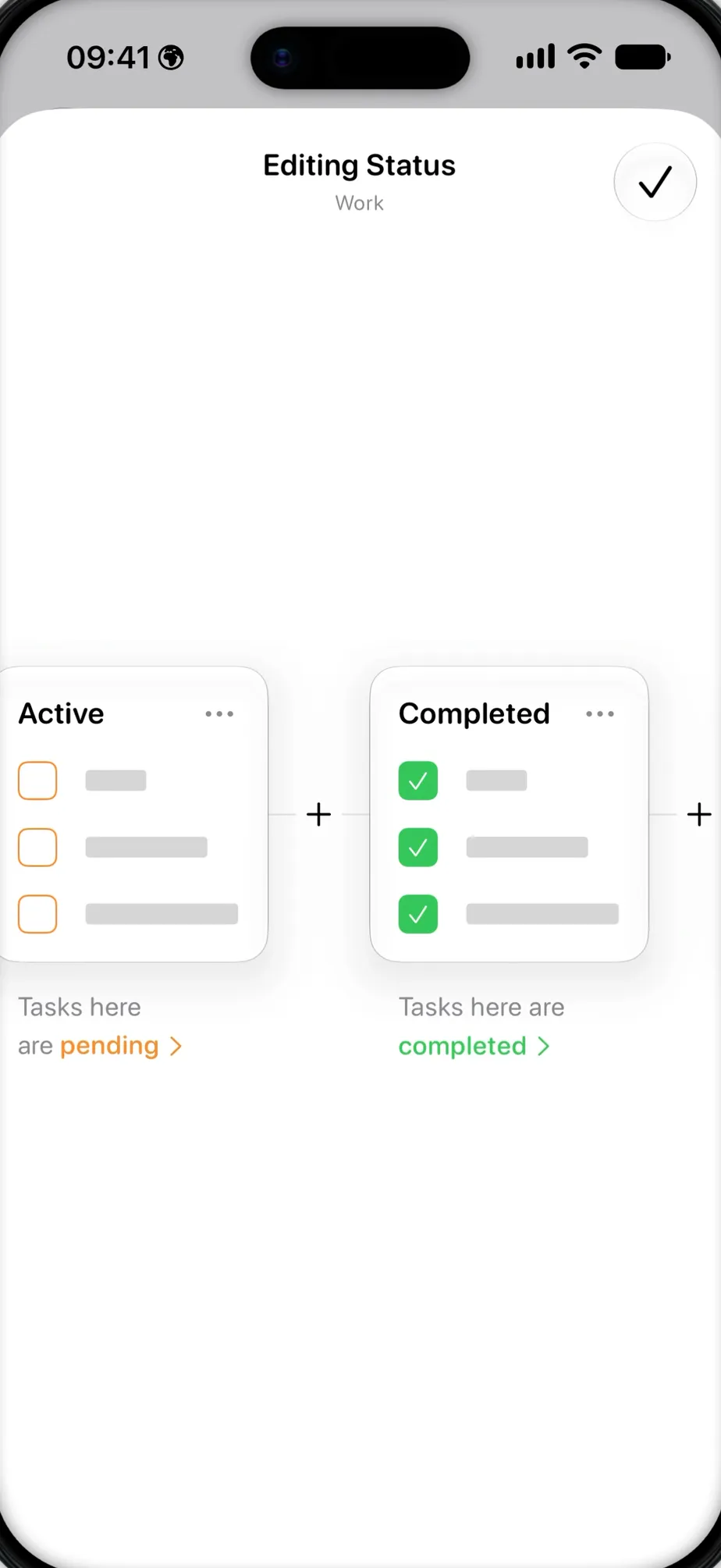
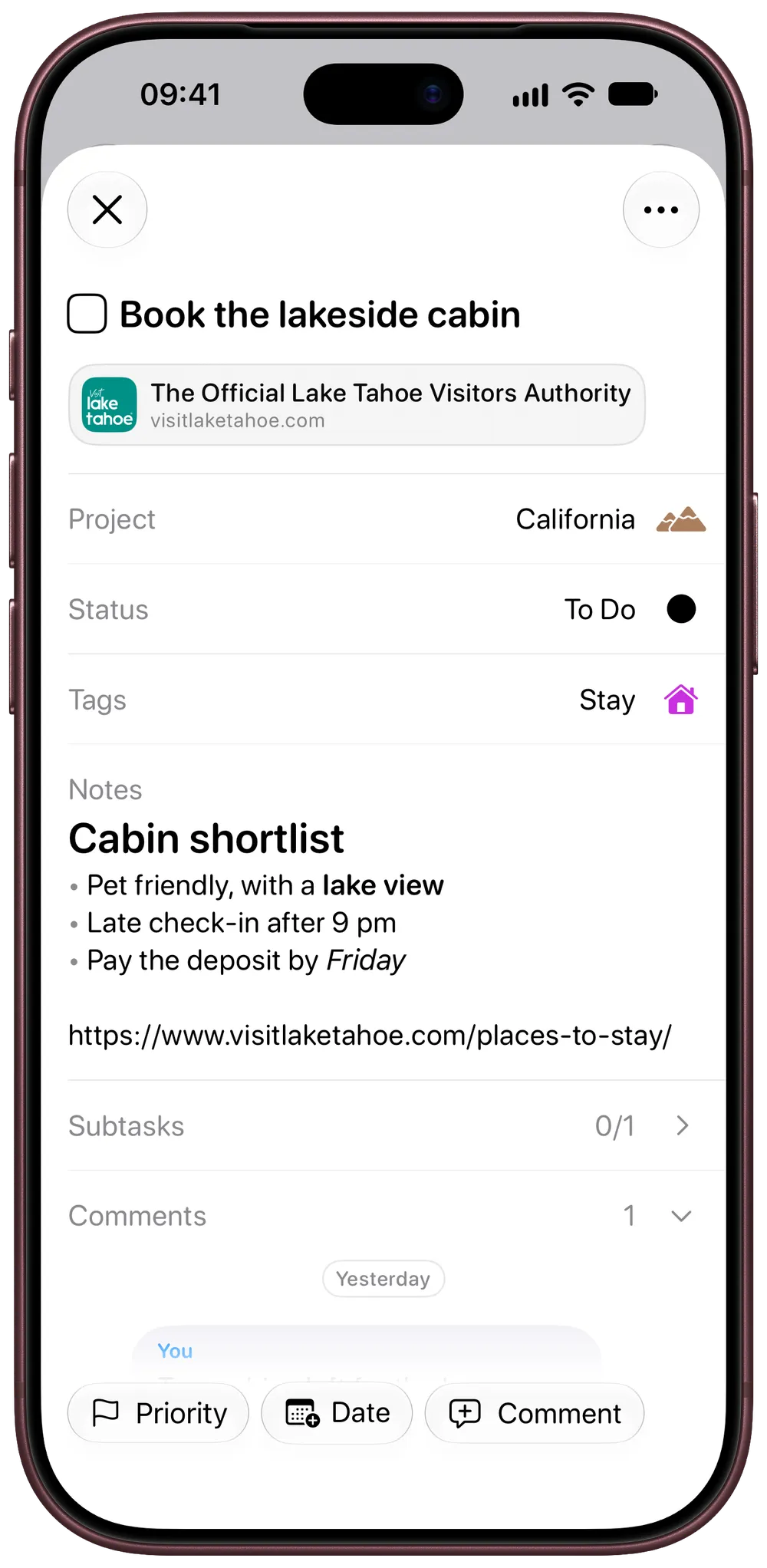
Location reminders
Set a task to return when you arrive at or leave a place, so the reminder appears where it can help.
Explore this feature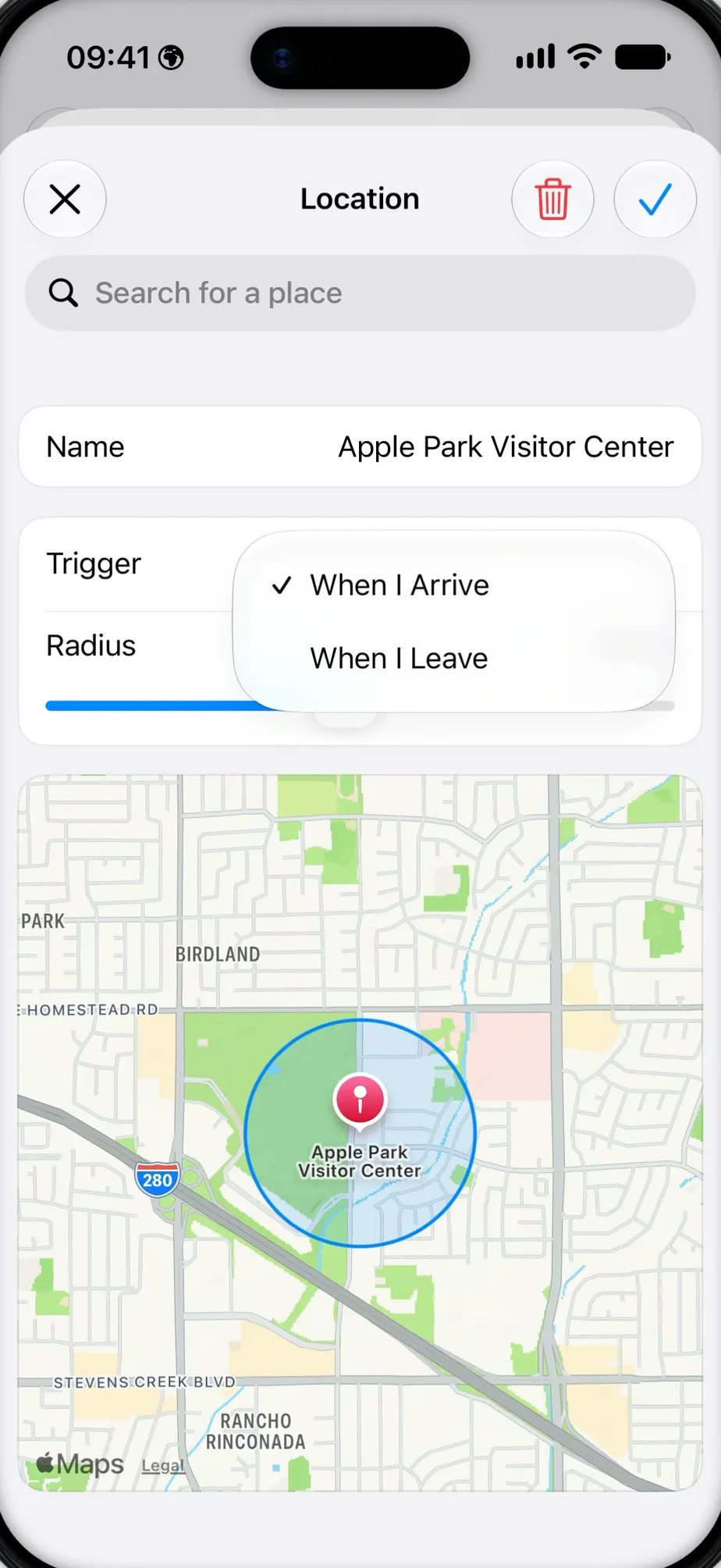
Siri and Shortcuts
Speak naturally and Siri captures the task with its location, tags, priority and dates already in place.
Explore this feature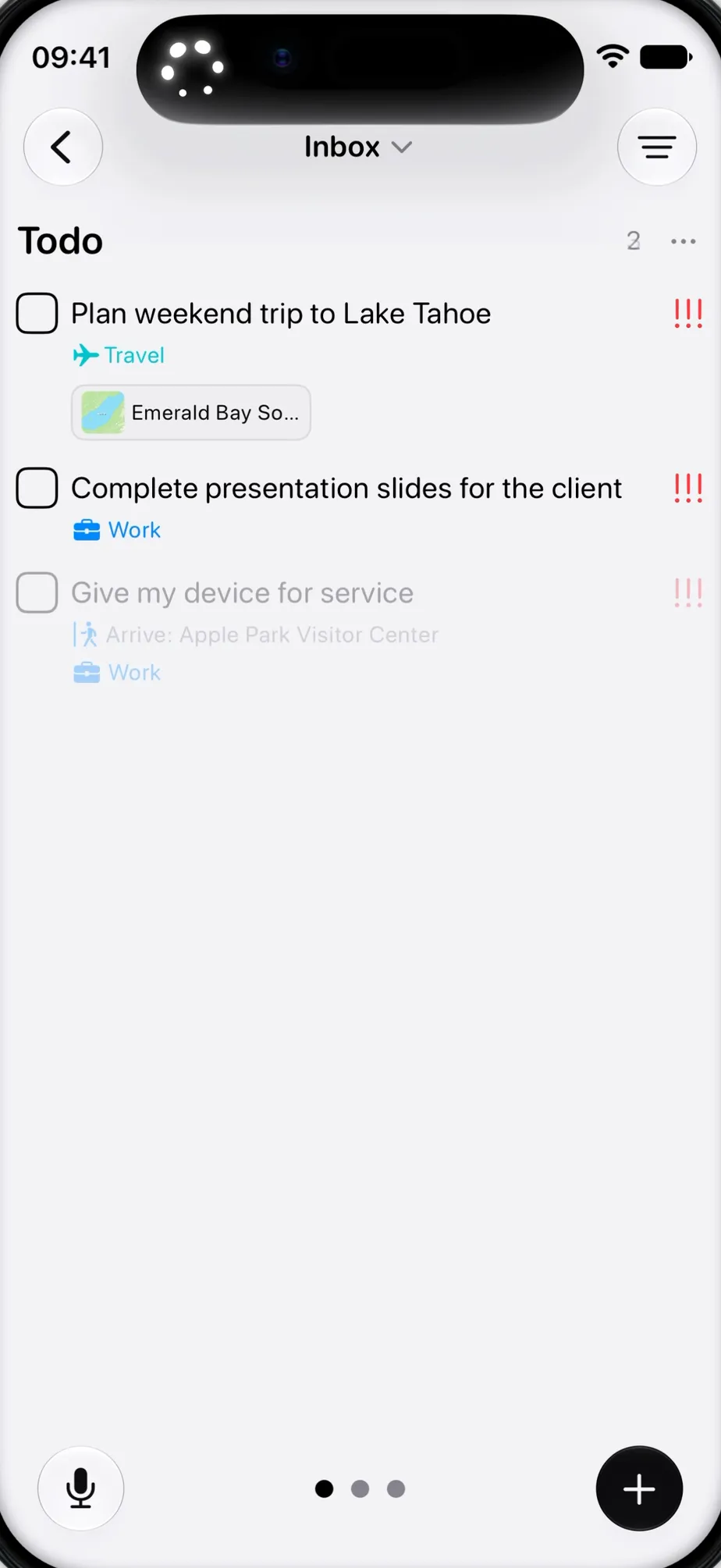
Collaboration
Invite people straight into a project and keep everyone working from the same shared plan.
Explore this feature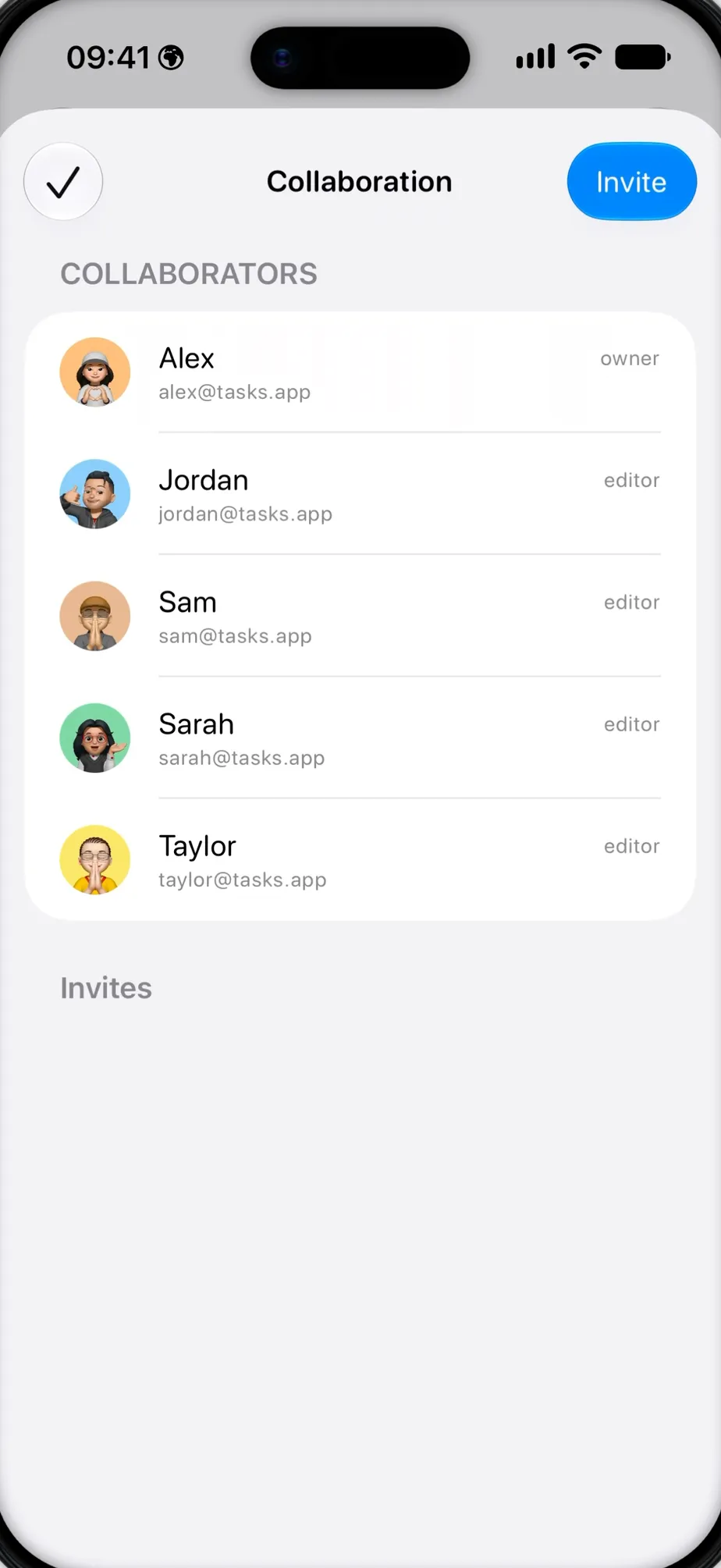
Smart tags
Add tags to any project and get smart icon suggestions as you type, so each one is easy to recognise later.
Explore this feature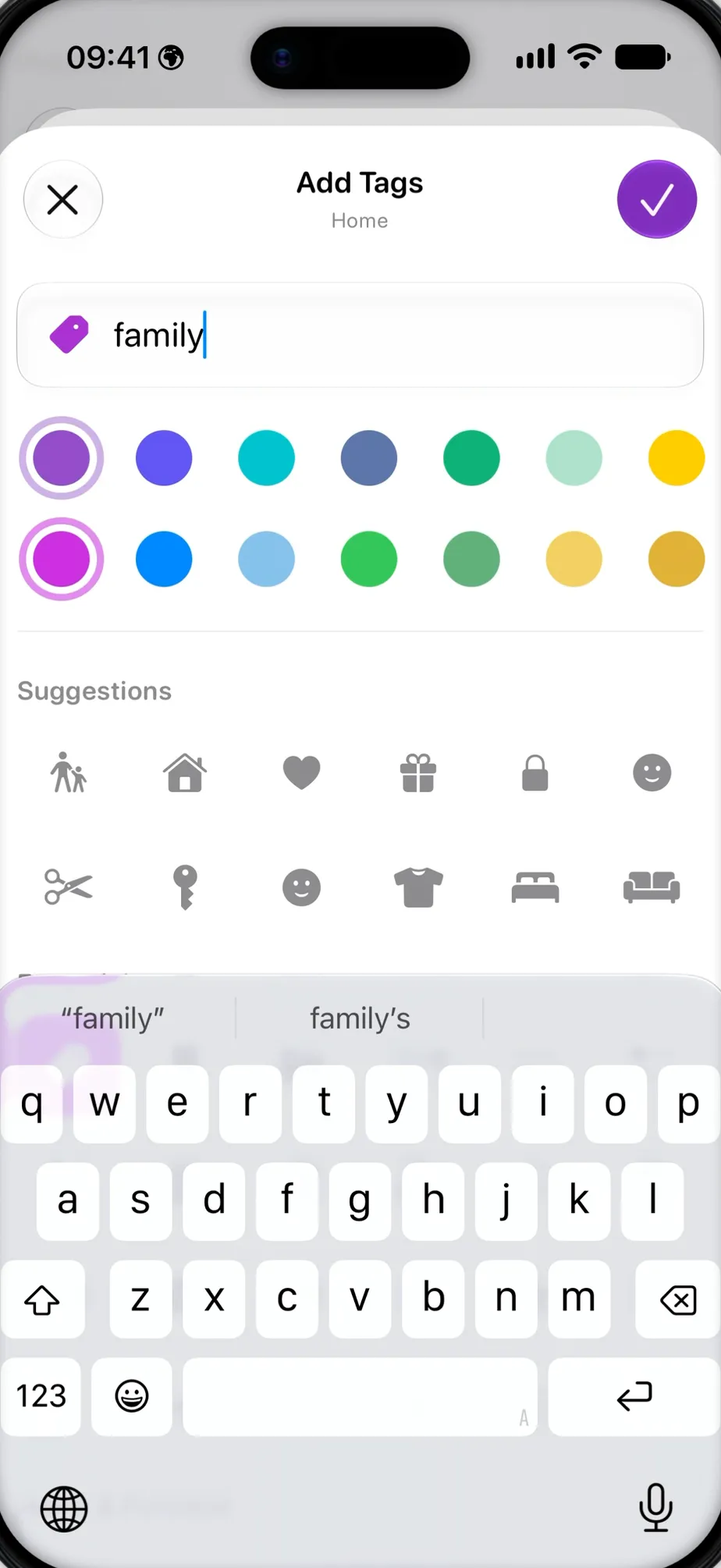
Filters and Smart Lists
Narrow your tasks in seconds, then save useful filters as Smart Lists that stay ready for next time.
Explore this feature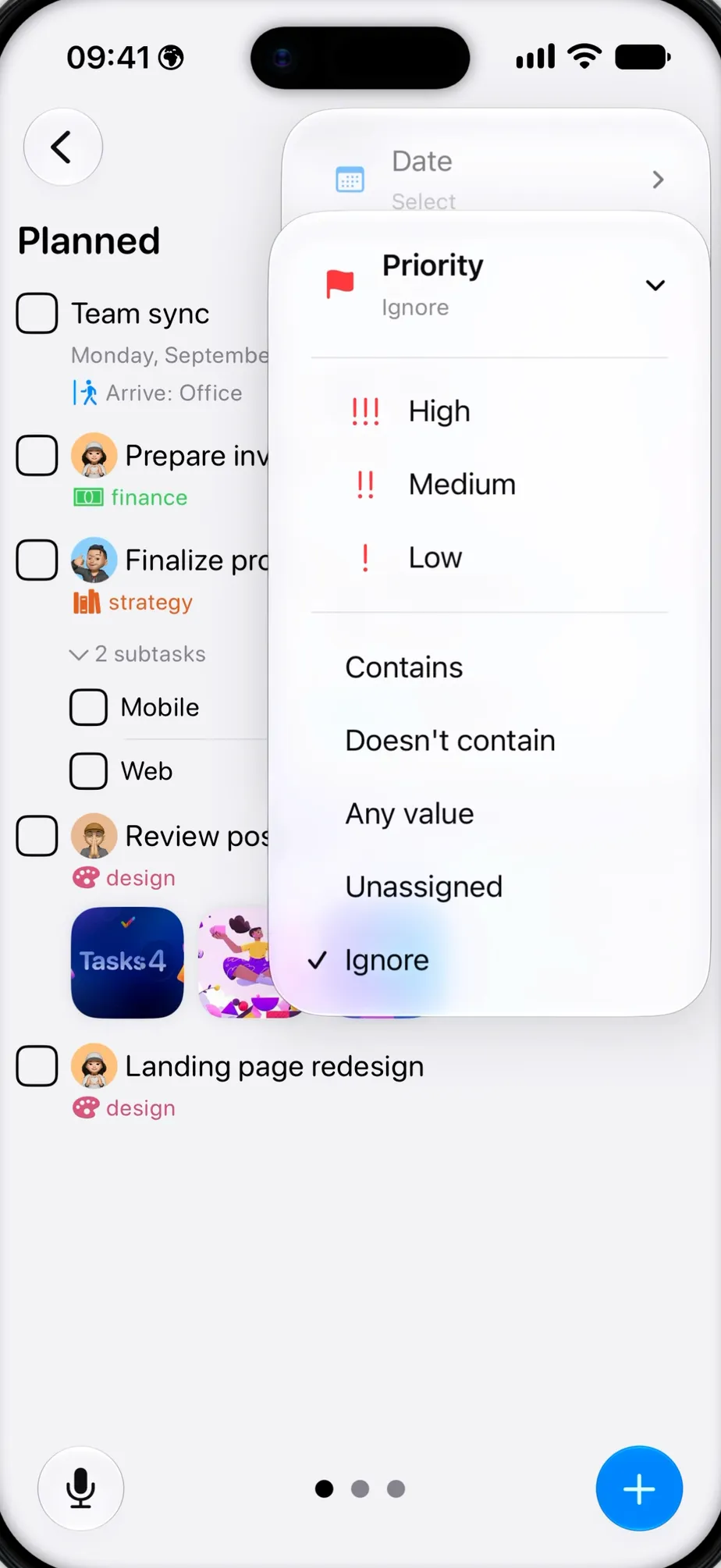
On your Home Screen
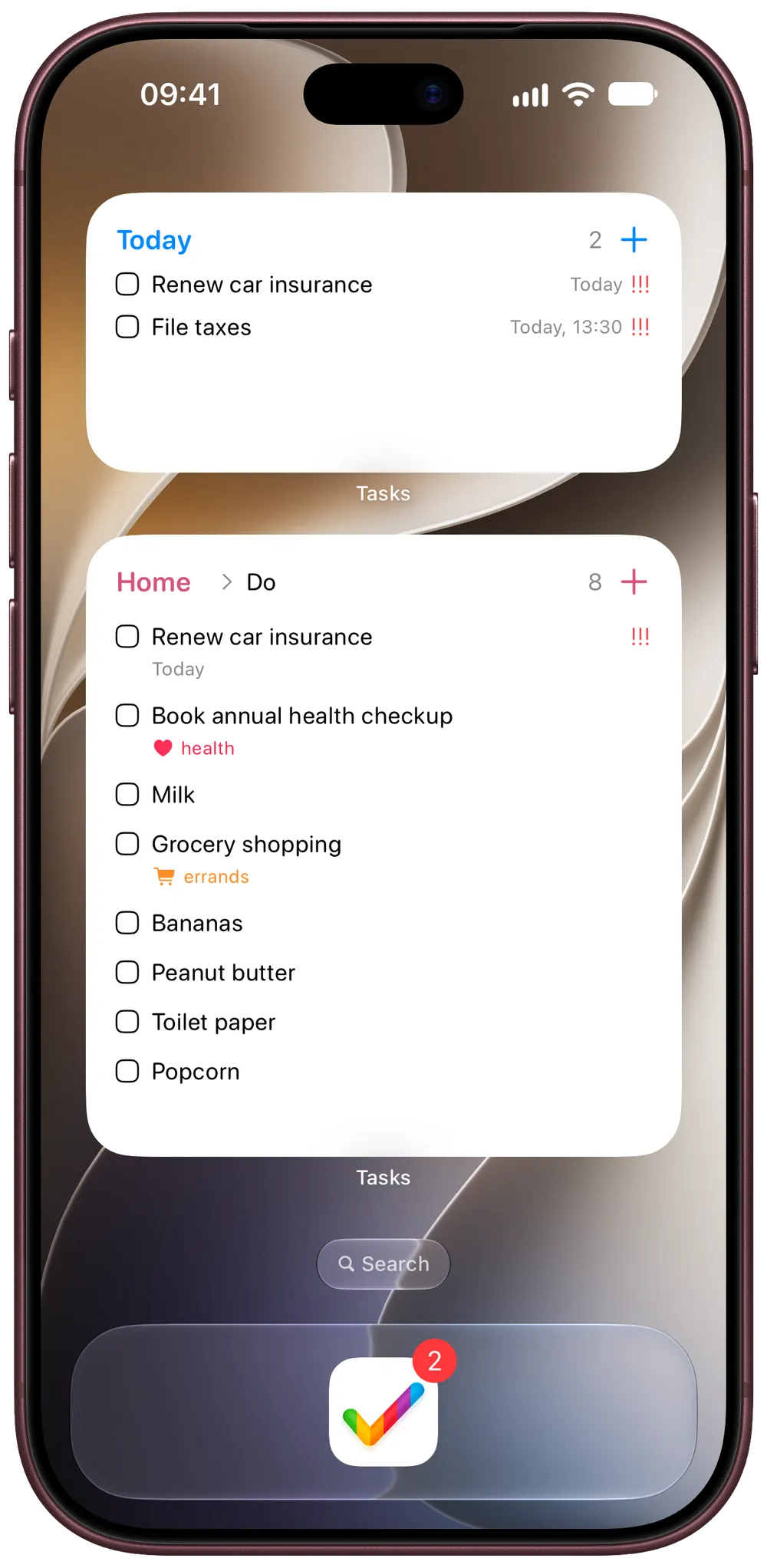
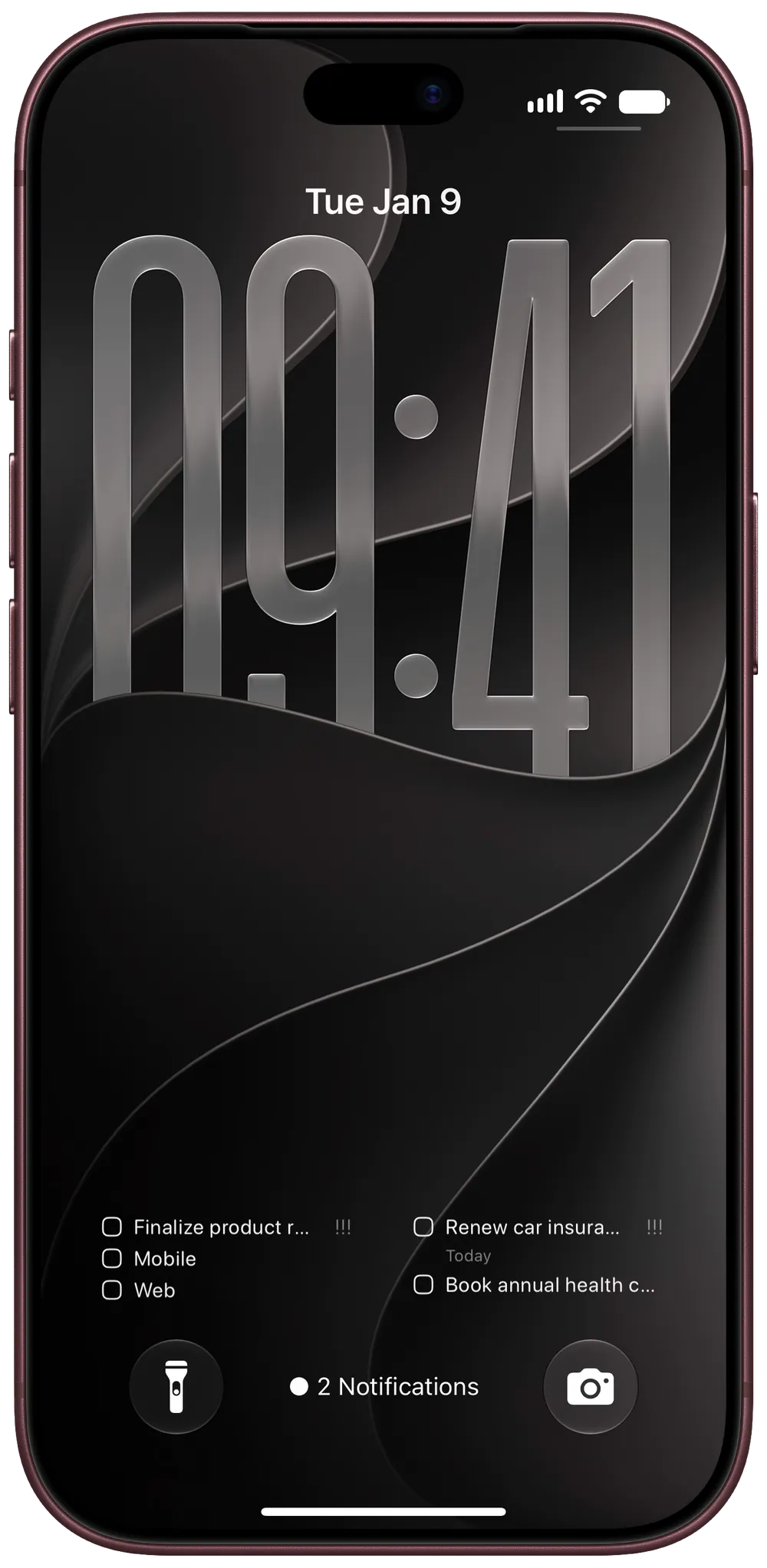
Widgets keep today’s list in view, a Live Activity keeps the timer on your Lock Screen, and Siri adds a task while your hands are busy.
4.8 ★ from 9,000+ ratings
★★★★★
Exceptional app
“This is an outstanding app that ingeniously combines the advantages of a light project management database with the visual cues of a kanban board.”
★★★★★
Truly incredible
“…after only having used it for two days I was floored by the amount of tools at your disposal. The UI is also gorgeous never change it, truly it just looks so good…”
★★★★★
User Friendly Software
“I have had many others that were very convoluted and difficult to use. This one is easy to use while still providing great features that improve the user experience.”
Privacy
We never collect your task titles, notes or comments. We don’t sell your data, and there are no ads.
Read the privacy policyiCloud
Personal projects stay in your own iCloud and sync across your Apple devices.
Sharing
Collaborators join a shared project without buying their own subscription.
Ownership
Tasks Plus is a subscription or a single $99.99 lifetime purchase.
Yours
Back up, export and import your projects whenever you want.
A quick, source-backed look at workflow flexibility, collaboration, Apple support and ownership.
Scroll sideways to compare all three apps
| Feature | Tasks | Todoist | Things 3 |
|---|---|---|---|
| Capture & organisation | |||
| Quick capture | |||
| Projects & subtasks | |||
| File attachments | |||
| Natural-language dates | |||
| Flexible workflows | |||
| Kanban boards | |||
| Custom statuses | |||
| Custom fields | |||
| Custom task types | |||
| Custom smart filters | |||
| Planning & context | |||
| Recurring tasks | |||
| Location reminders | |||
| Built-in time tracking | Integrations | ||
| Built-in focus timer | |||
| Distracting-app blocking | |||
| Automation | |||
| Siri & Shortcuts | |||
| External automation | |||
| Collaboration | |||
| Shared projects | |||
| Assignments & comments | |||
| Collaborators can join free | |||
| AI assistants as teammates | |||
| Official MCP connector | |||
| Apple ecosystem | |||
| iPhone, iPad & Mac | |||
| Apple Watch | |||
| Apple Vision Pro | |||
| Two-way Apple Reminders sync | |||
| Web, Windows & Android | Web app in beta | ||
| Cloud sync | |||
| Pricing & ownership | |||
| Free plan | Mac trial | ||
| Subscription | |||
| Lifetime purchase | |||
| Current USD price | $9.99/month $39.99/year $99.99 lifetime | $7/month · $60/year | $9.99 to $34.99 per platform* |
Checked September 5, 2026; AI rows checked September 27, 2026. Todoist comparisons use the Pro plan. USD pricing; local App Store prices may vary. *Things for Mac is currently promotional pricing.
Use the essentials, subscribe for the full workflow, or buy it once and leave subscriptions behind.
Free
Start with the essentials.
Tasks Plus
The complete Tasks workflow.
Lifetime
For people who prefer one purchase.
Securely processed by Apple through the App Store. Manage purchases with your Apple ID.
Need anything else? Visit support or talk to a real person.
Yes. Tasks is free to download and use for everyday task capture and organisation. Tasks Plus unlocks the deeper workflow, automation and collaboration tools.
Tasks Plus unlocks custom workflows, advanced fields, Smart Lists, automation and project sharing. Choose $9.99 monthly, $39.99 yearly or a $99.99 lifetime purchase, and share it with your family through Family Sharing.
No. Only the person sharing a project needs Tasks Plus. Collaborators can join the project without buying their own subscription.
Yes. Connect ChatGPT, Claude or another assistant that supports MCP, then invite it to a project. It joins as its own collaborator, labelled Agent, so you can assign it tasks and read its comments. Revoke access at any time and its tasks come back to you.
Tasks is built for iPhone, iPad, Mac, Apple Watch and Apple Vision Pro, with private CloudKit-powered sync across your devices.
All purchases are securely processed by Apple through the App Store and can be managed from your Apple ID subscription settings.
Download Tasks free on the App Store.
Download free