What’s new in Tasks
Every update to Tasks on iPhone, iPad, Mac and Apple Watch.
RSS feed5.4
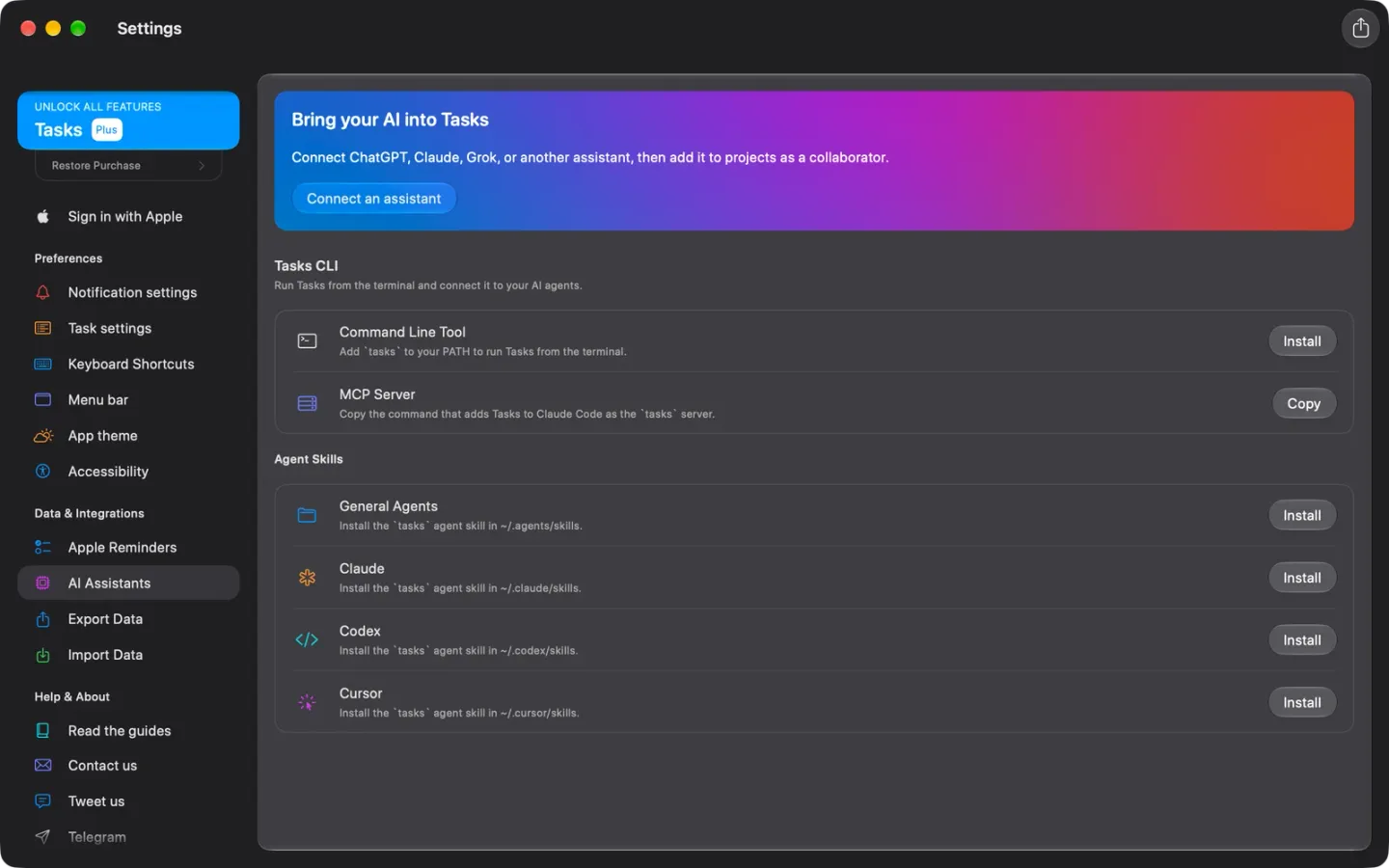
Undo, the Tasks CLI and a Mac You Can Run from the Keyboard
Undo and redo for everything you change, the Tasks CLI and a local MCP server on the Mac, roles that decide who can change what, and the whole Mac app from the keyboard.
5.3
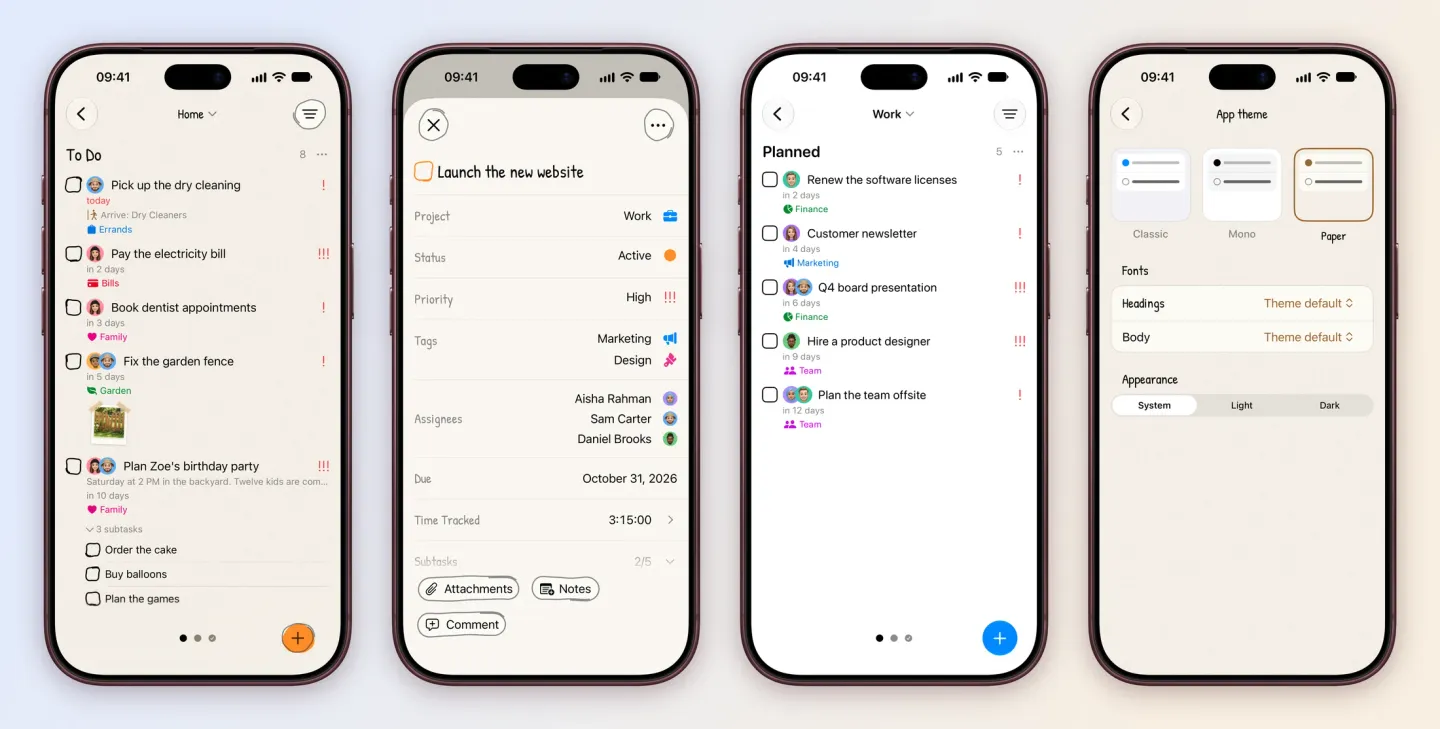
Themes, a Paper Look and a Friendlier Start
Classic, Mono and a hand-drawn Paper theme with your own fonts, a new onboarding that sets Tasks up around you, @mentions in comments and repeats every few hours.
5.2
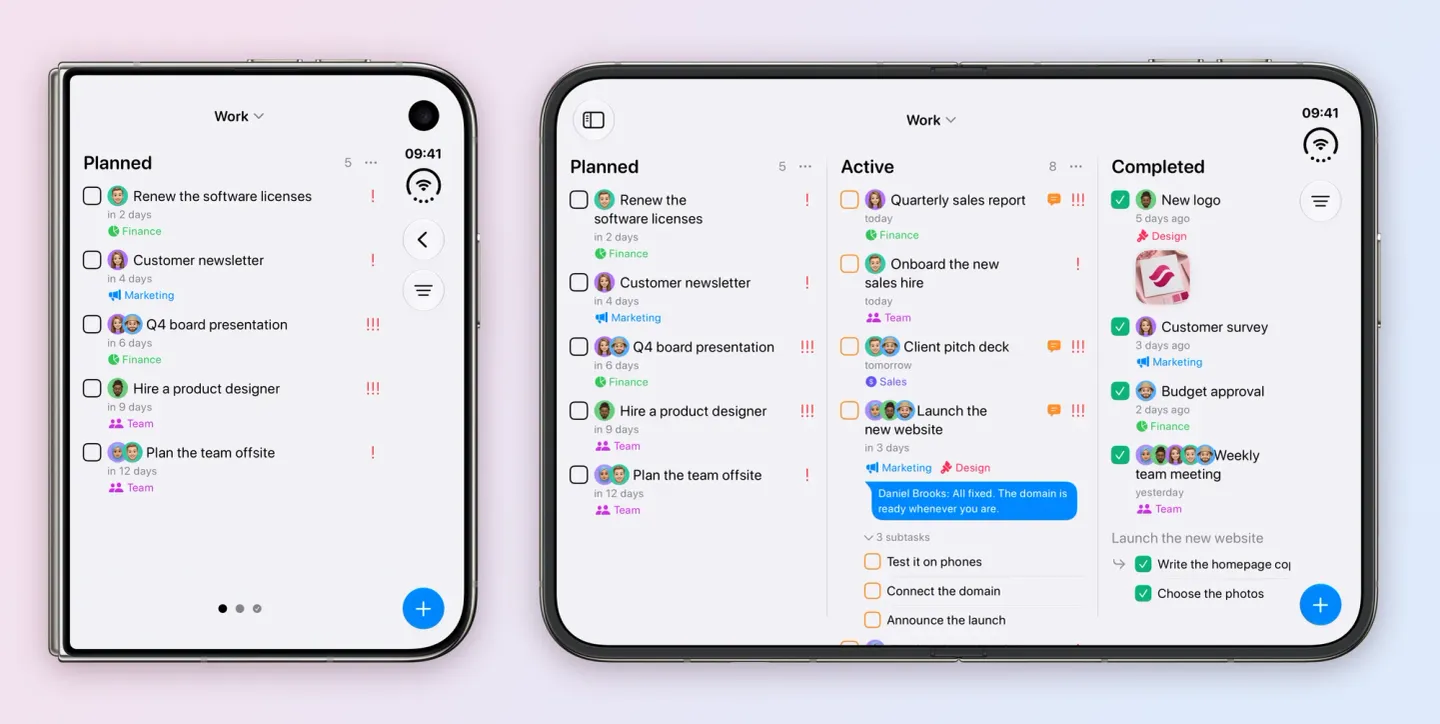
iPhone Duo, AI Assistants and Smarter Typing
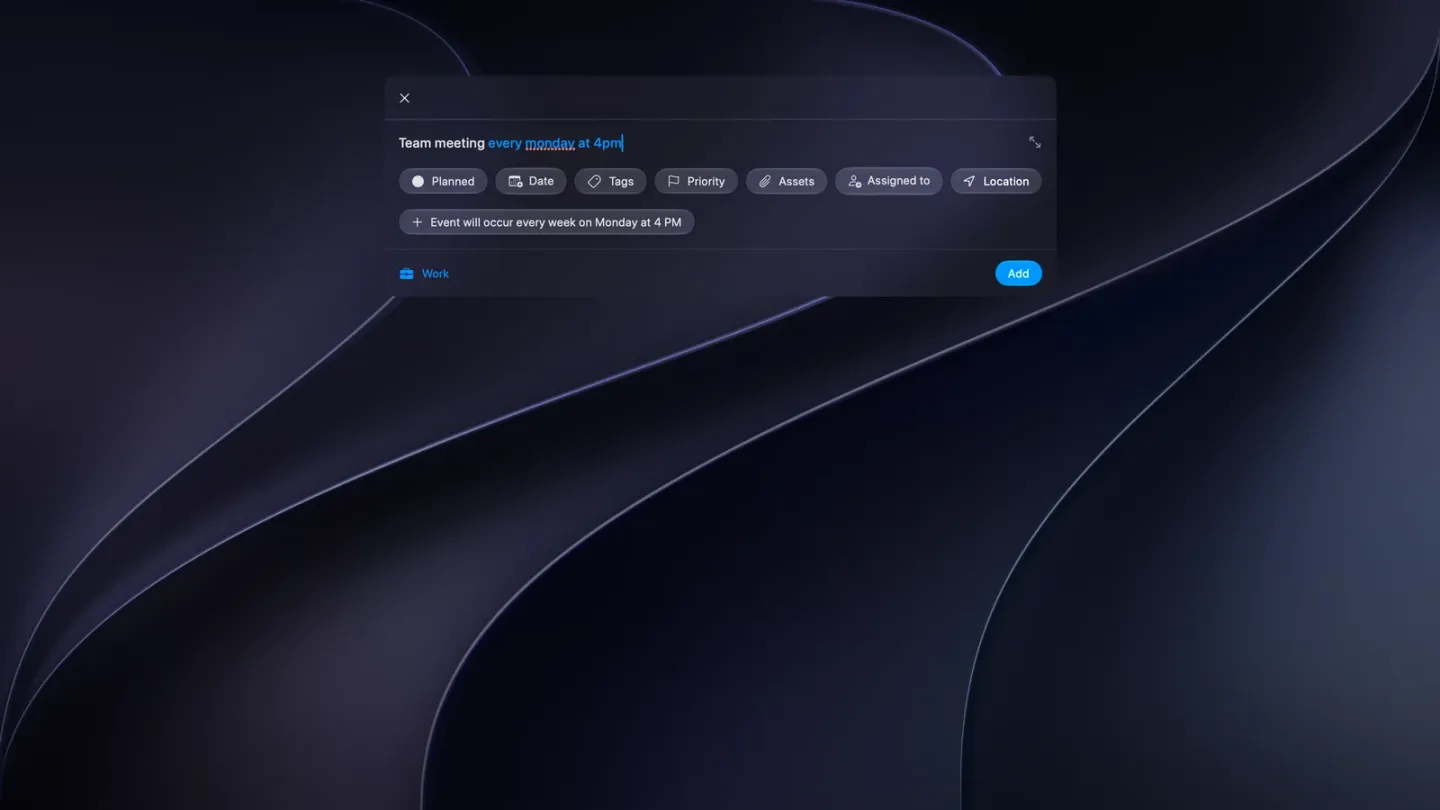
Made for iPhone Duo, with your AI assistant in a project, tasks typed in plain words, a new Settings and sturdier sync.
5.0
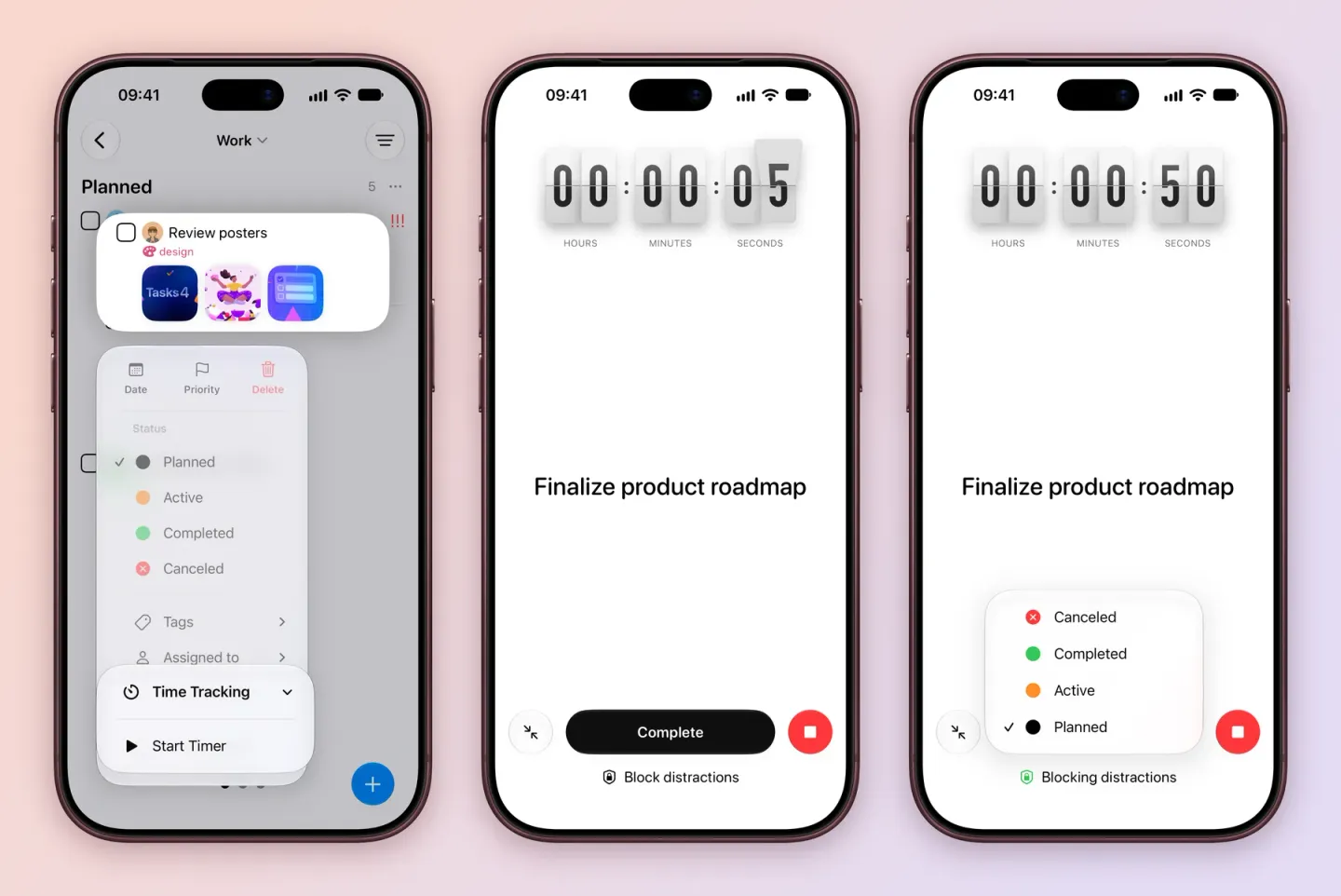
Time Tracking, Focus, Siri and Apple Reminders
Time tracking, a Focus view, Siri on iOS 27, two-way Apple Reminders sync, location reminders and a Mac menu bar app.
4.4
Siri, More Keyboard Shortcuts and Cleaner Menus
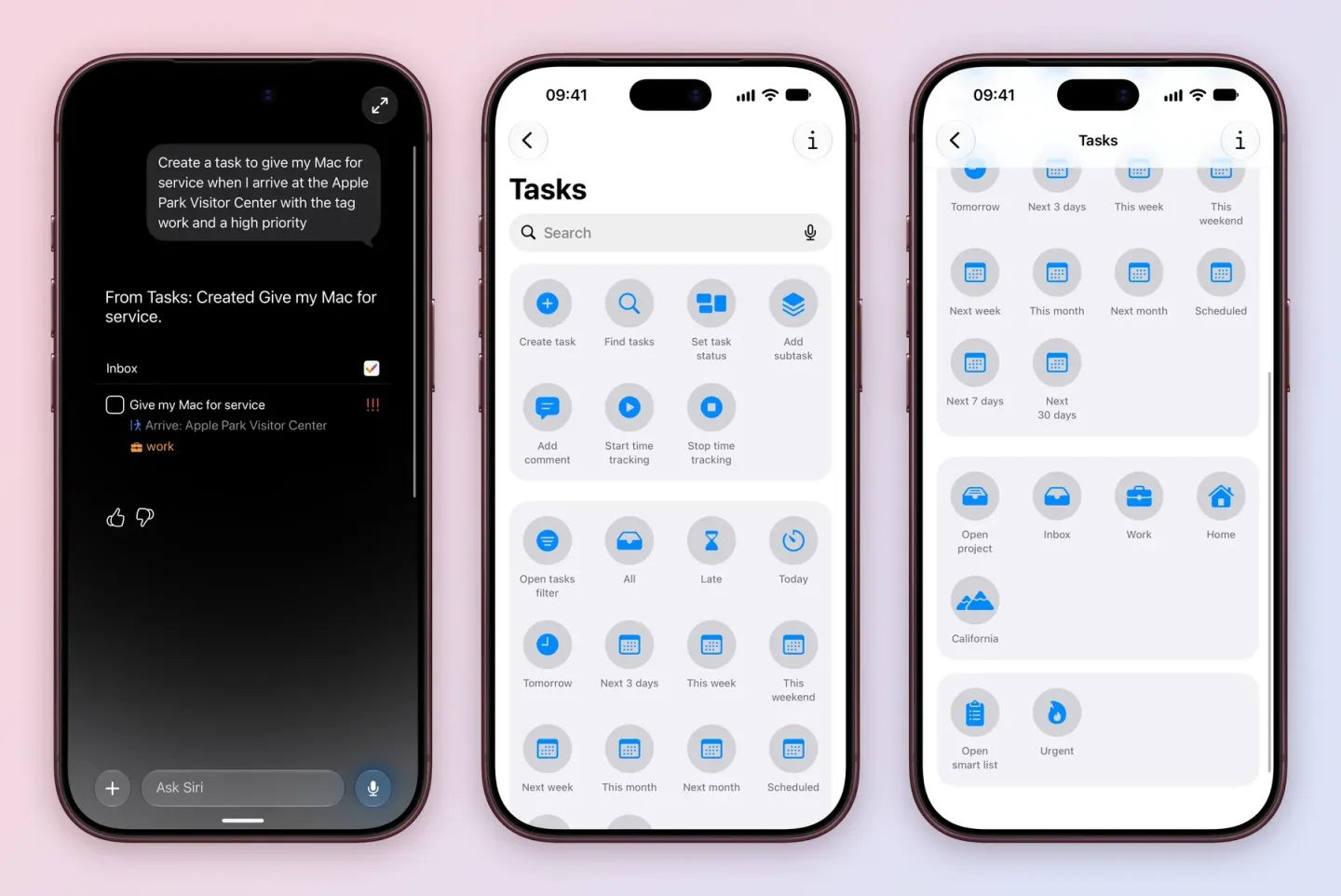
Create, find and update tasks and projects with Siri, more keyboard shortcuts, clearer task creation and simpler menus.
4.3
Shortcuts for Everything, Cloning, Bulk Add and Backups
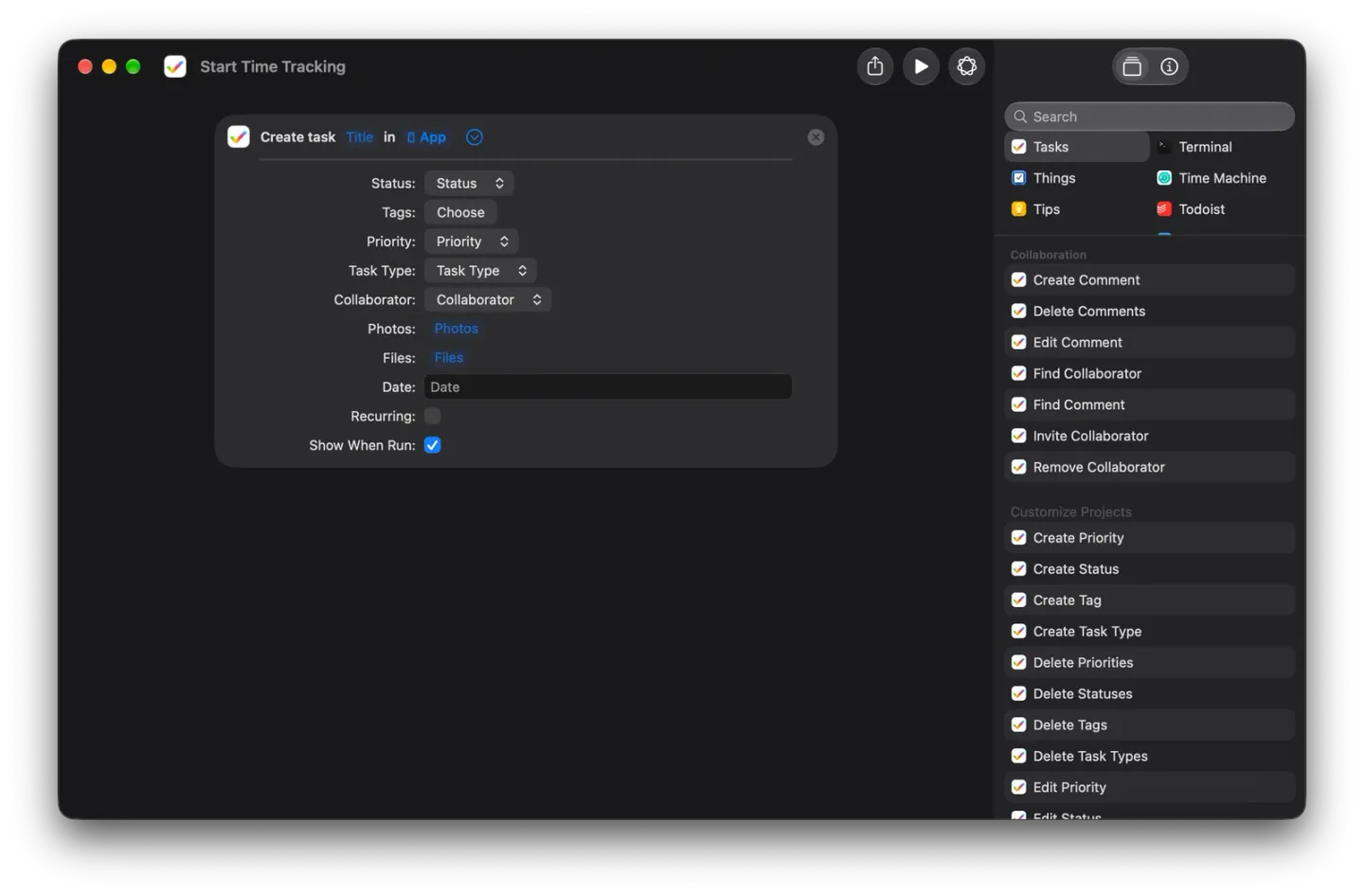
Full Shortcuts actions for tasks and projects, cloning, then Bulk Add, .tasks backups and keyboard shortcuts in 4.3.2.
4.2
Repeat From Completion and a Simpler Status Editor
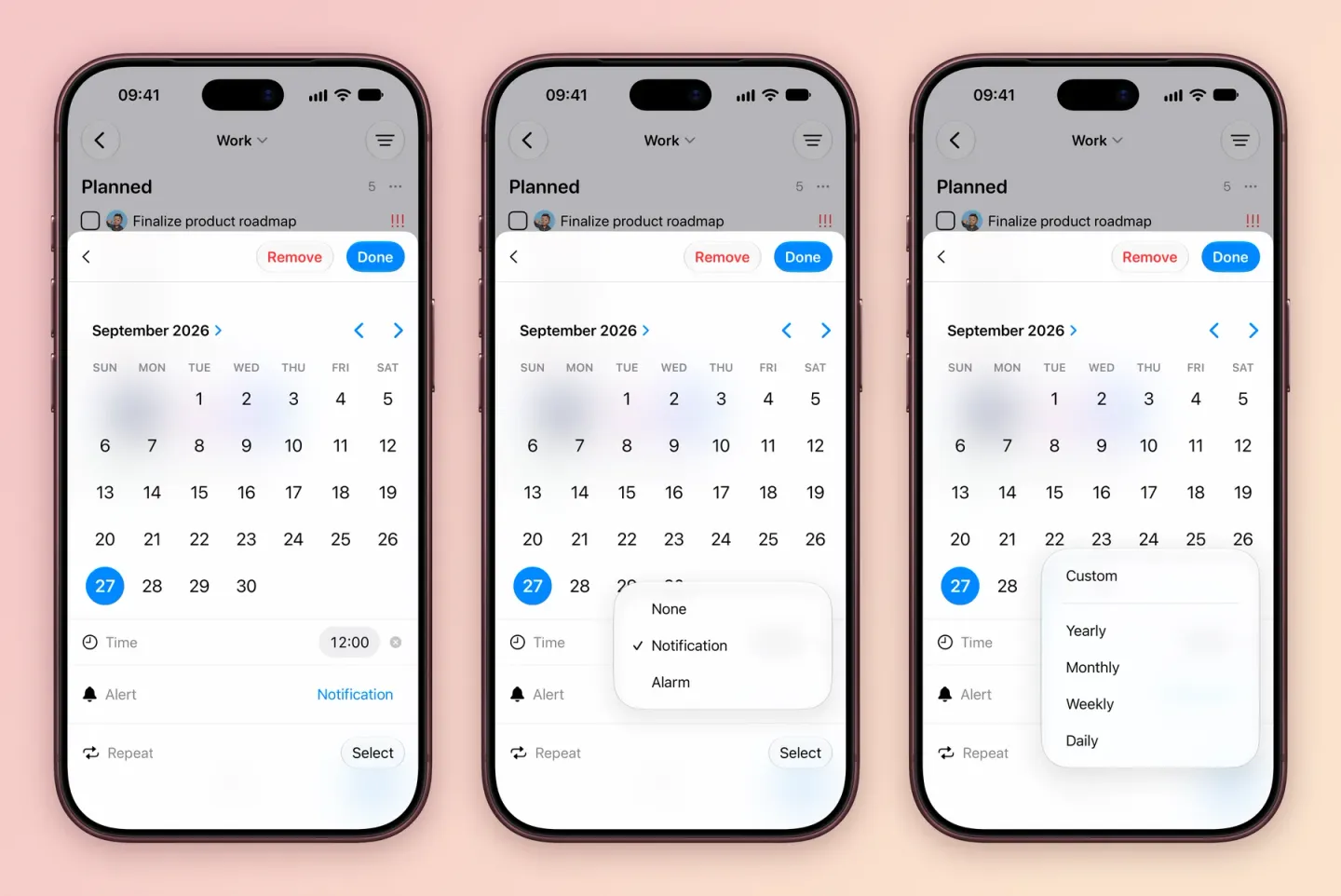
Tasks can repeat from when you finish them, statuses are easier to customize, sorting is clearer, and launch and sync are faster.
4.1
Smarter Task Creation and Near-Instant Sync
New tasks fill in the right details for where you add them, sync is close to real time, links are tappable and attachments are easier to handle.