A big one, and again shaped by your feedback.
What’s new
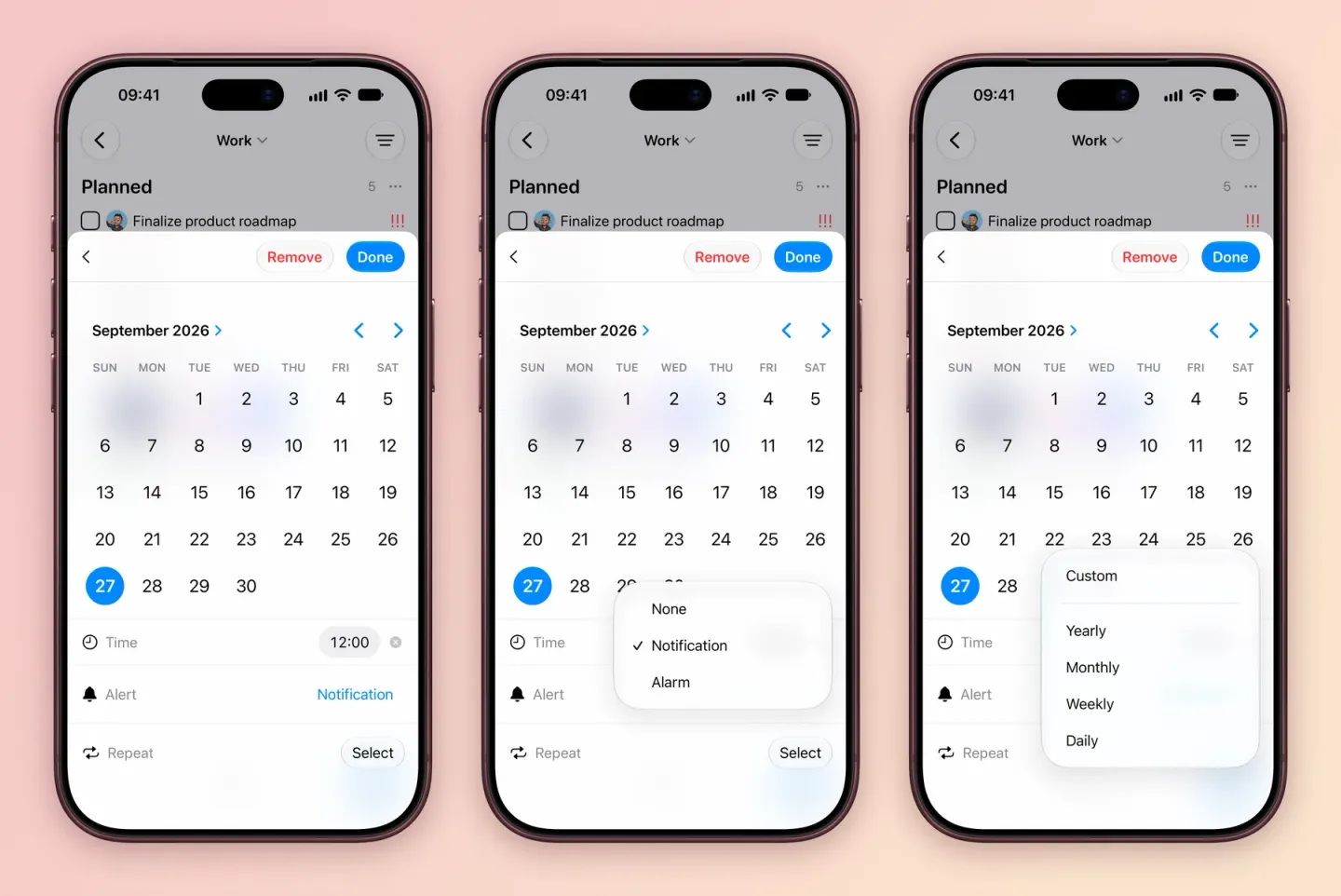
- Repeat from completion. A task can repeat a set time after you finish it, instead of on fixed dates. Repeating tasks.
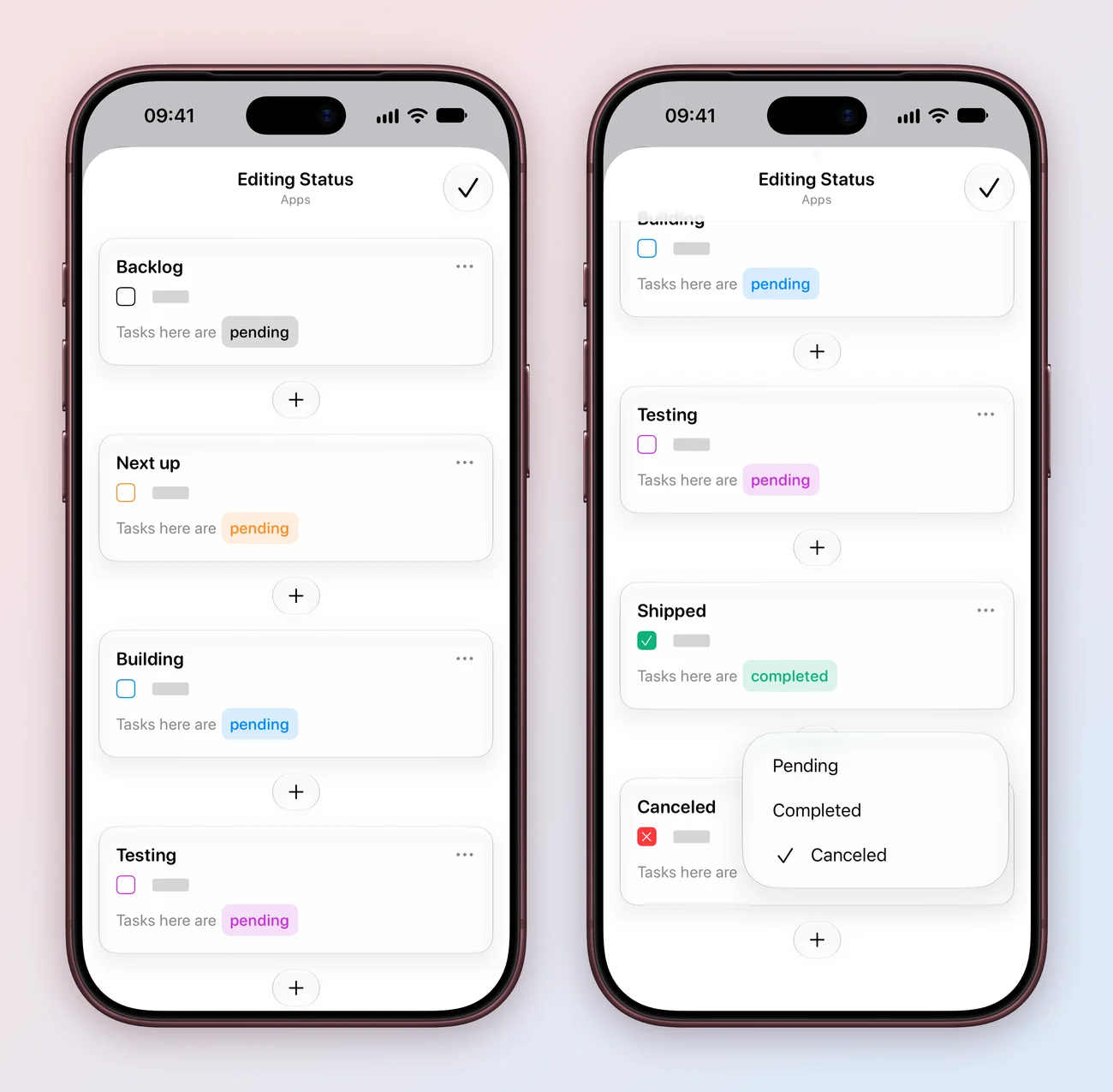
- A simpler status editor. Customizing a project’s statuses is cleaner and easier to follow. How statuses work.
- Clearer sorting. Tasks sort by date, then priority, then your own order.
- A smoother start. Onboarding is simpler for new users.
- Faster. The app loads quicker and sync performs better.
- Better translations in Italian, Arabic, Russian, Spanish, Swedish and 7 more languages.
Fixes
- Creating subtasks behaves properly again.
- The project list scrolls all the way to the bottom.
Also in 4.2.1 and 4.2.2
- 4.2.1 (February 21, 2026) made deletions reach your other devices, showed items inside folders again, improved how project pieces sync, and fixed the purchase status at launch.
- 4.2.2 (February 24, 2026) fixed folder sync, which I broke in 4.2.1. Folders that were out of sync needed correcting by hand once. I’m sorry about that, and thank you to everyone who emailed to tell me.