4.3 changed a lot under the hood to make automation, collaboration and everyday use smoother. Thank you to everyone who sent feedback for it.
What’s new
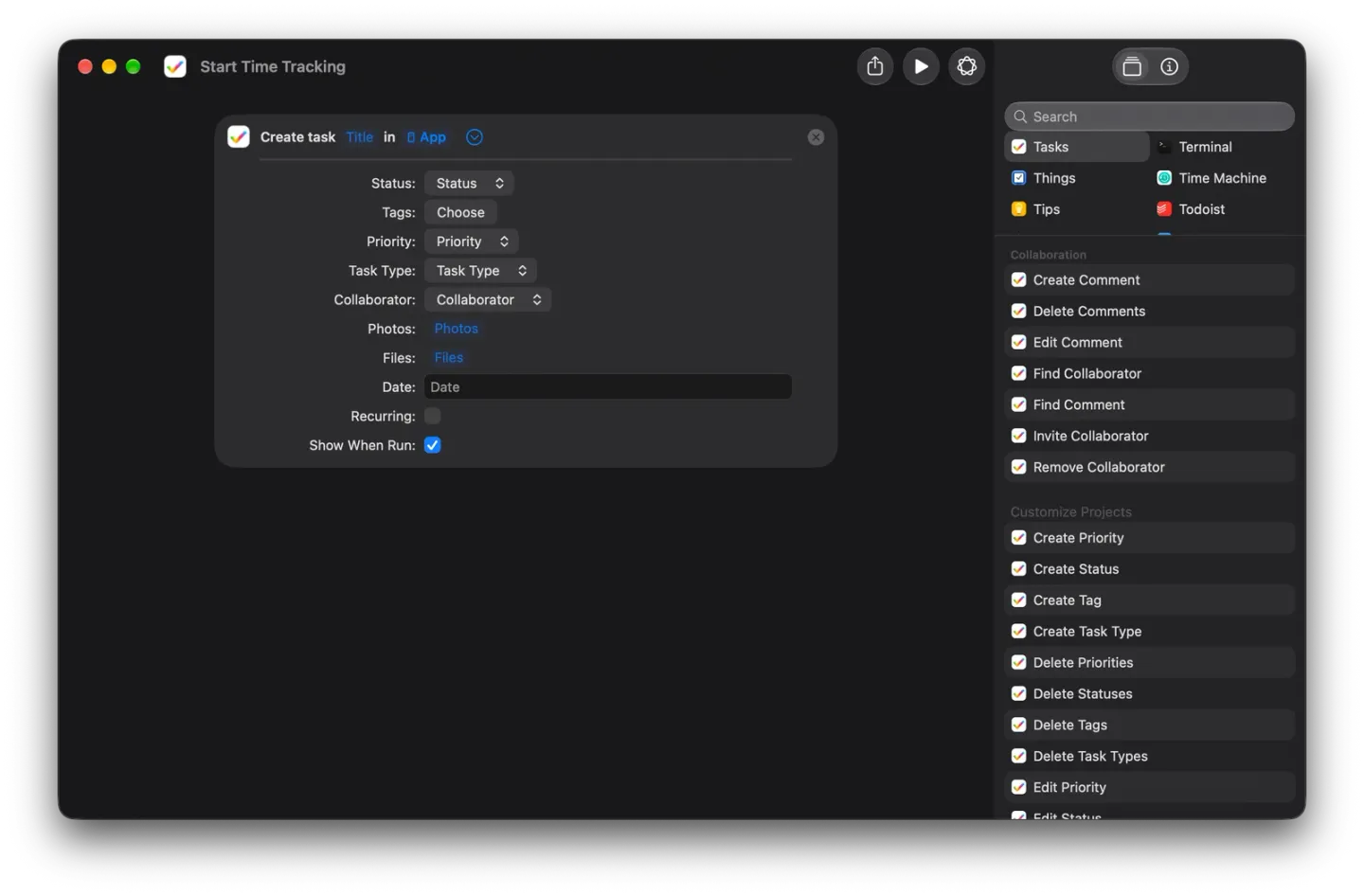
- Shortcuts for everything. Create, edit and delete tasks, comments, tags, statuses, priorities, types and collaborators from Shortcuts, set repeats when you create or edit a task, and search tasks, with IDs for advanced workflows. Every action is translated. Siri and Shortcuts guide.
- Clone tasks, subtasks and projects. Cloned subtasks keep their structure.
- Liquid Glass polish, and one Settings layout on Mac and iOS.
- Your projects first. The template picker shows your own projects before the built-in templates.
- Clearer drag to reorder. When a list can’t be reordered, Tasks tells you why.
Fixes
- PDF and image downloads and previews work again.
- Priority sorts in the right order.
- Restore Purchases works.
- Folder sync and the sidebar filter are fixed, along with an iOS crash.
Also in 4.3.1 to 4.3.3
- 4.3.1 (March 17, 2026) fixed Sign in with Apple getting stuck before the next step, and the order of tasks in columns.
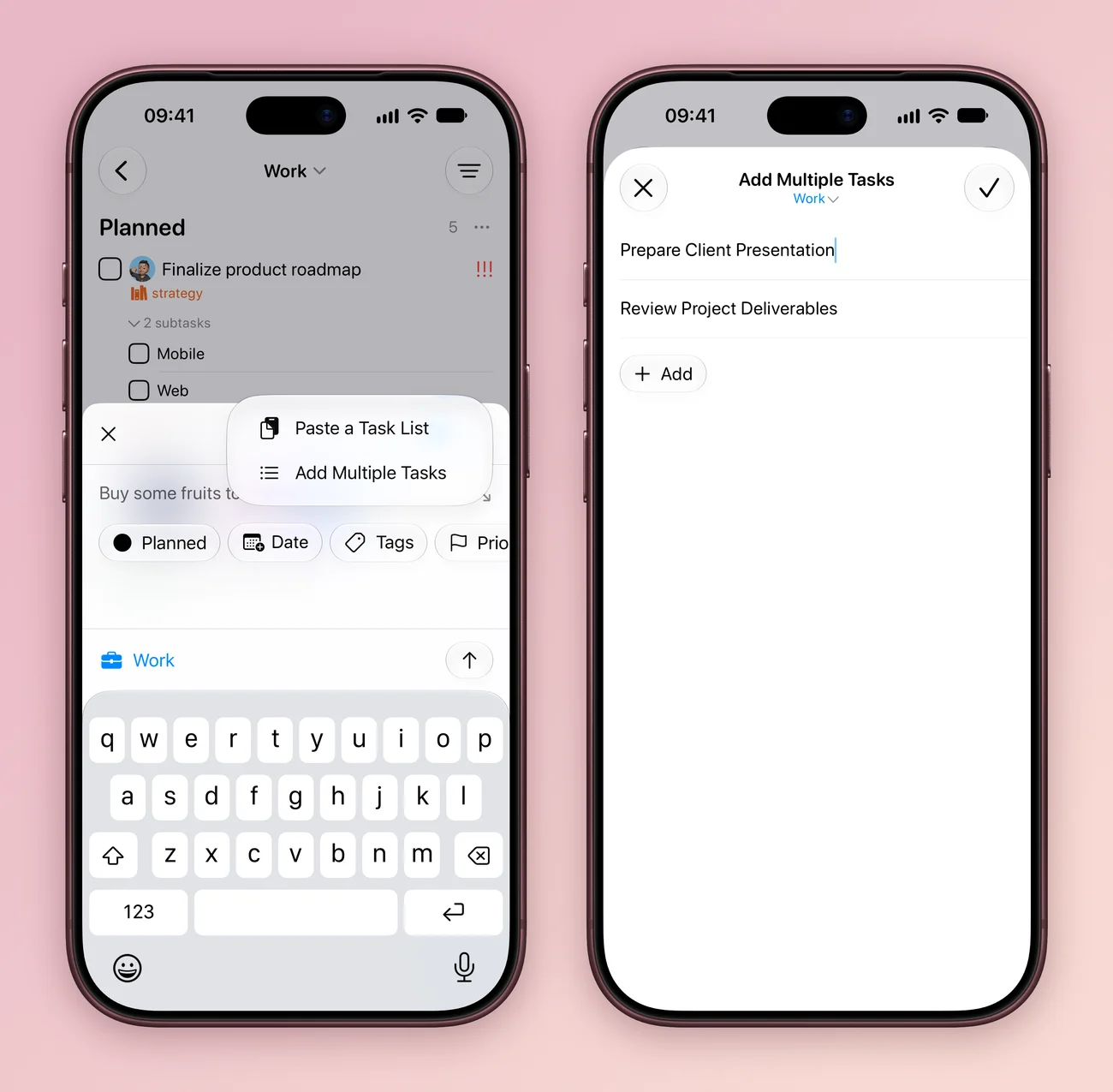
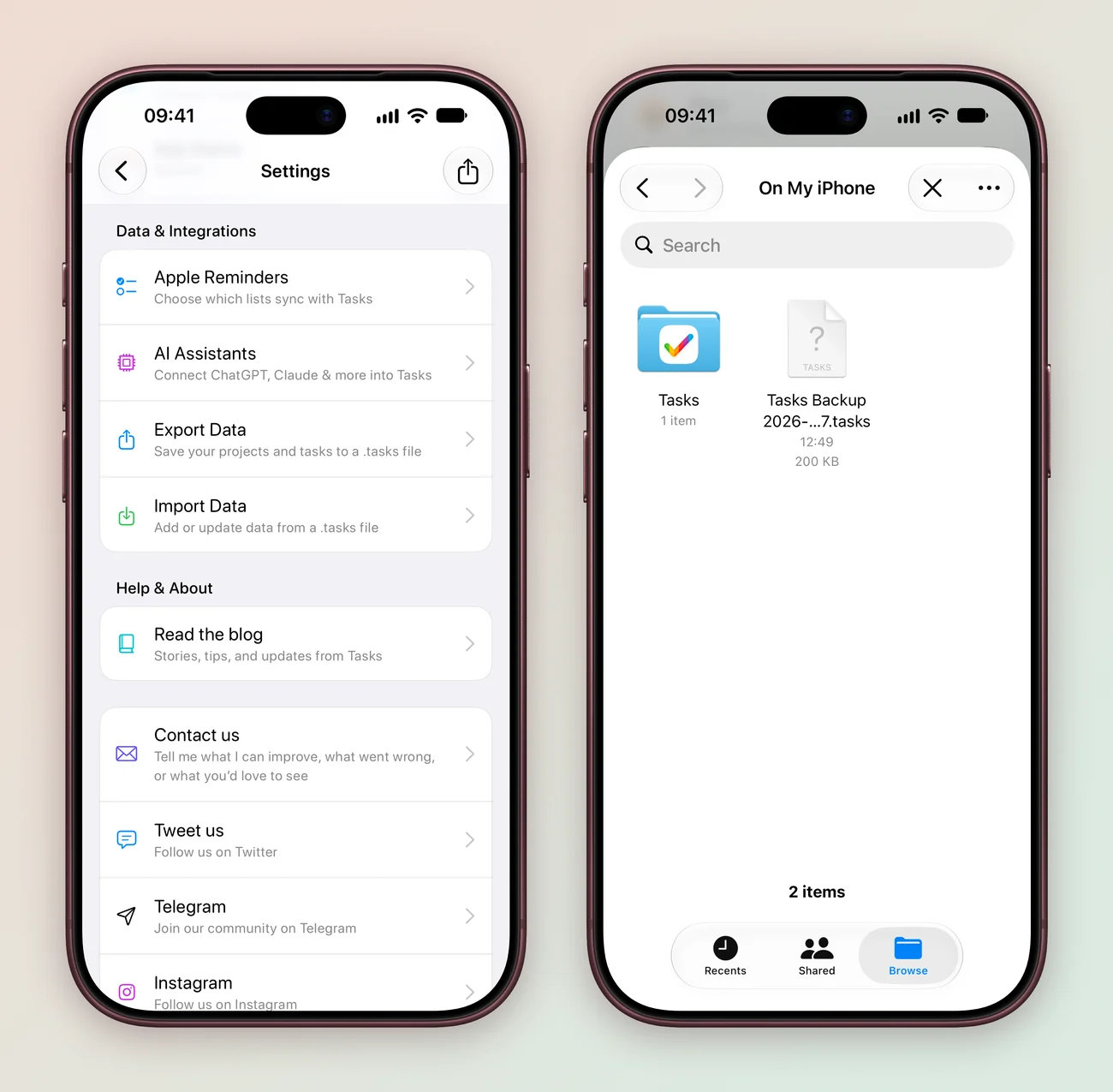
- 4.3.2 (July 14, 2026) brought Bulk Add: type several tasks, or paste a plain text or Markdown list, then review them before saving. It also added backing up and restoring with .tasks files, a keyboard shortcut list on iPad and Mac with a customizable Add Anywhere shortcut on Mac, more reliable filters, sorting, Smart Lists, boards, search, widgets, Shortcuts and Apple Watch, a PDF export fix on Mac and a fix for tasks that took a long time to sync. Paste a whole list or save a backup.
- 4.3.3 (July 15, 2026) fixed the pending count on the Home Screen, made the app smaller, stopped tasks with subtasks from disappearing and fixed a hang on monthly repeating tasks.