Almost everything in 4.1 came from your emails and feedback.
What’s new
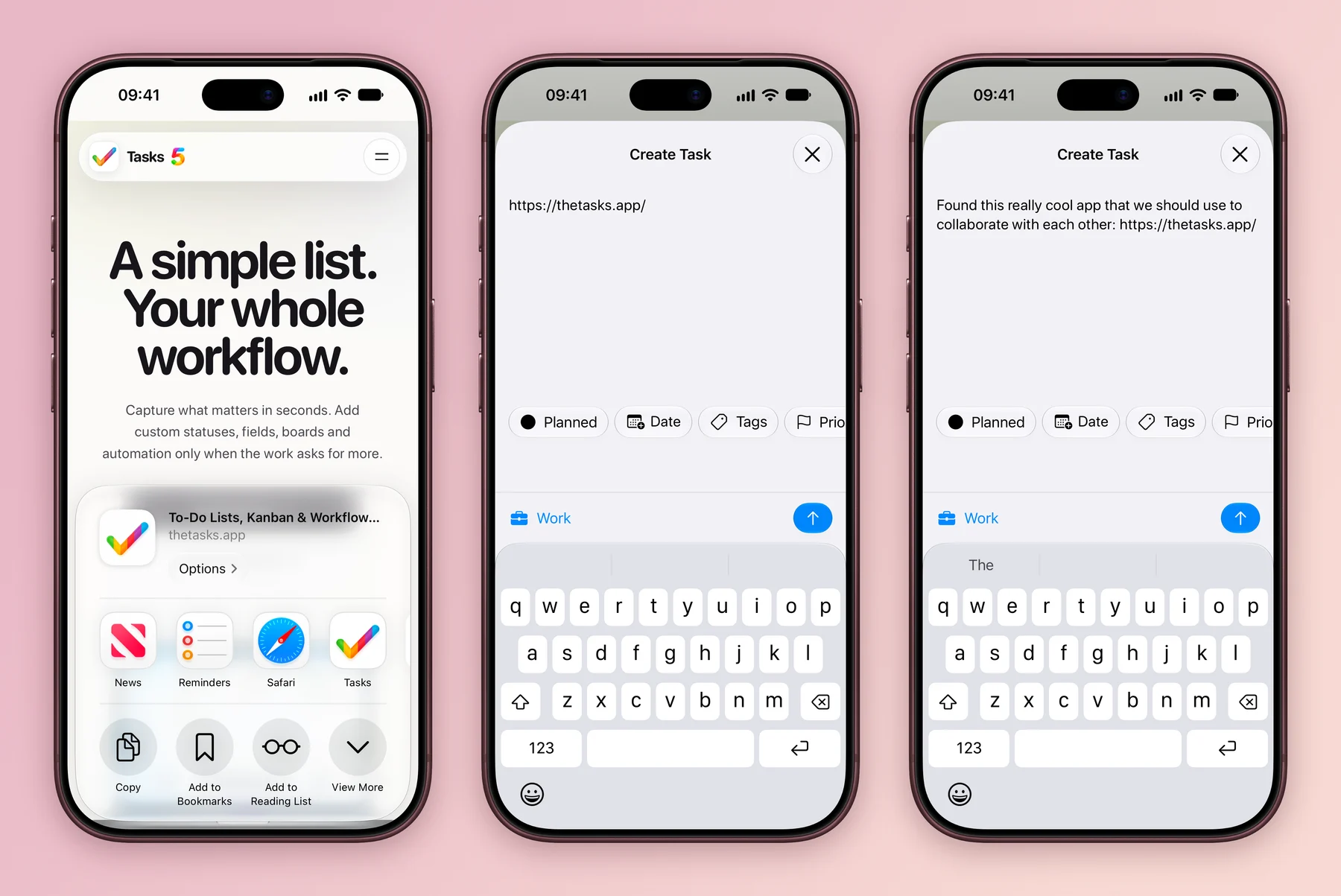
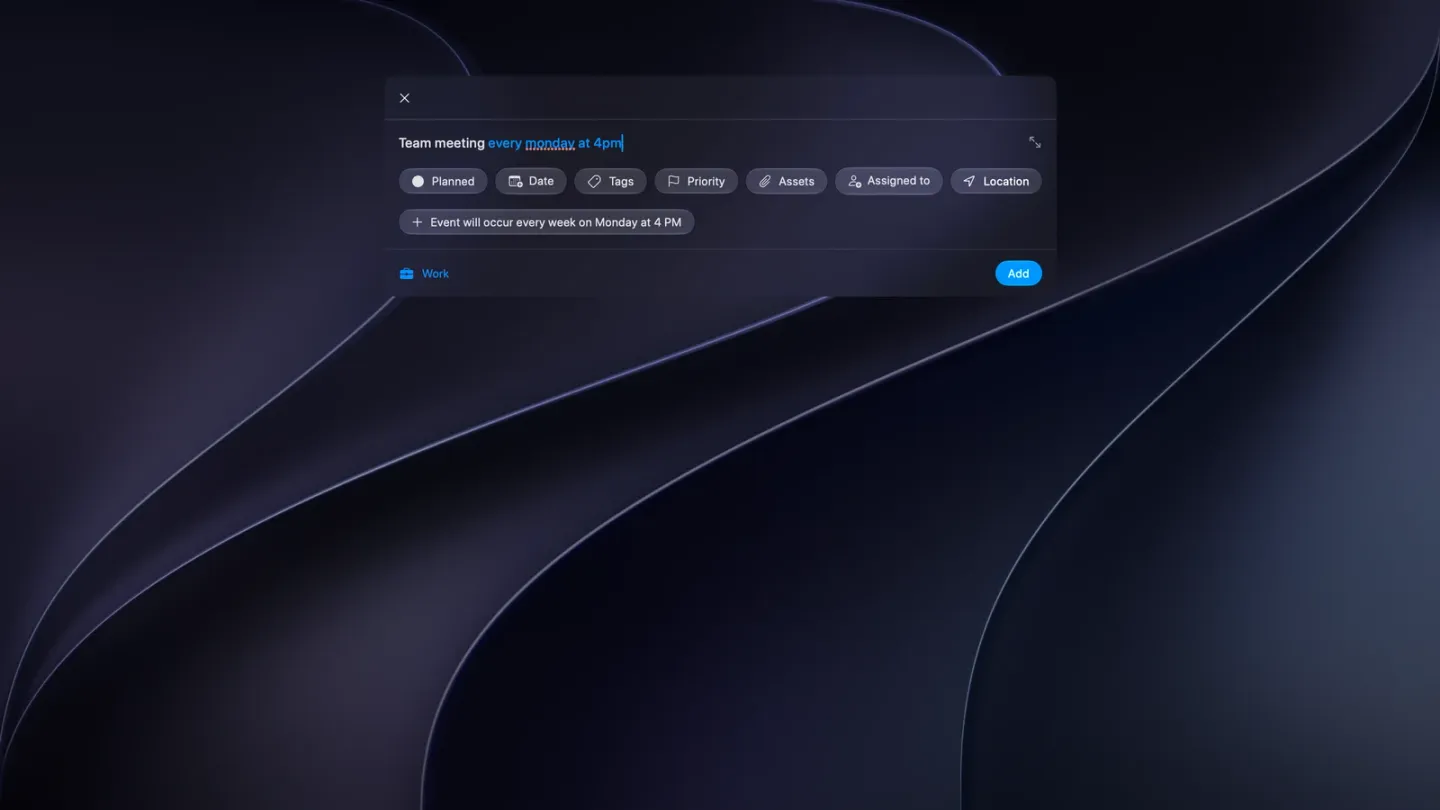
- Smarter task creation. A new task understands where you’re adding it and fills in the right details for you. Add a task.
- Near-instant sync. Changes to the sync infrastructure make edits show up across your devices in close to real time. How sync works.
- Tappable links in the task detail screen.
- Easier attachments. Pick several images and PDFs at once, and they keep the order you added them in.
- A cleaner look. Small design improvements across the app.
Fixes
- Your purchase stays unlocked after closing the app.
- Images delete properly.
- Deleting a project works, without ghost notifications afterwards.
- The This Weekend and Next Weekend Smart List filters pick the right days.
- Text edits no longer revert if the app closes quickly.
- Fixes for collaboration, and a better German translation.
Also in 4.1.1 and 4.1.2
- 4.1.1 (January 26, 2026) made repeating tasks repeat when checked off from the detail screen, cleared leftover traces of deleted tags, made assignments and the long-press menu clearer, and closed the invite screen once you’re done.
- 4.1.2 (February 3, 2026) added Share and Action extensions so you can add tasks from other apps, pasting images and PDFs into the new task field, a smoother way to accept project invites, and sign in with email for when Sign in with Apple isn’t available. It also fixed an iPad crash, copied task links, tasks saving as “Unnamed Task” and the app name missing from Settings and notifications. Capture from other apps.