5.3 is about making Tasks feel like yours from the first minute, so it brings themes, a new way to get started and a long list of small fixes.
What’s new
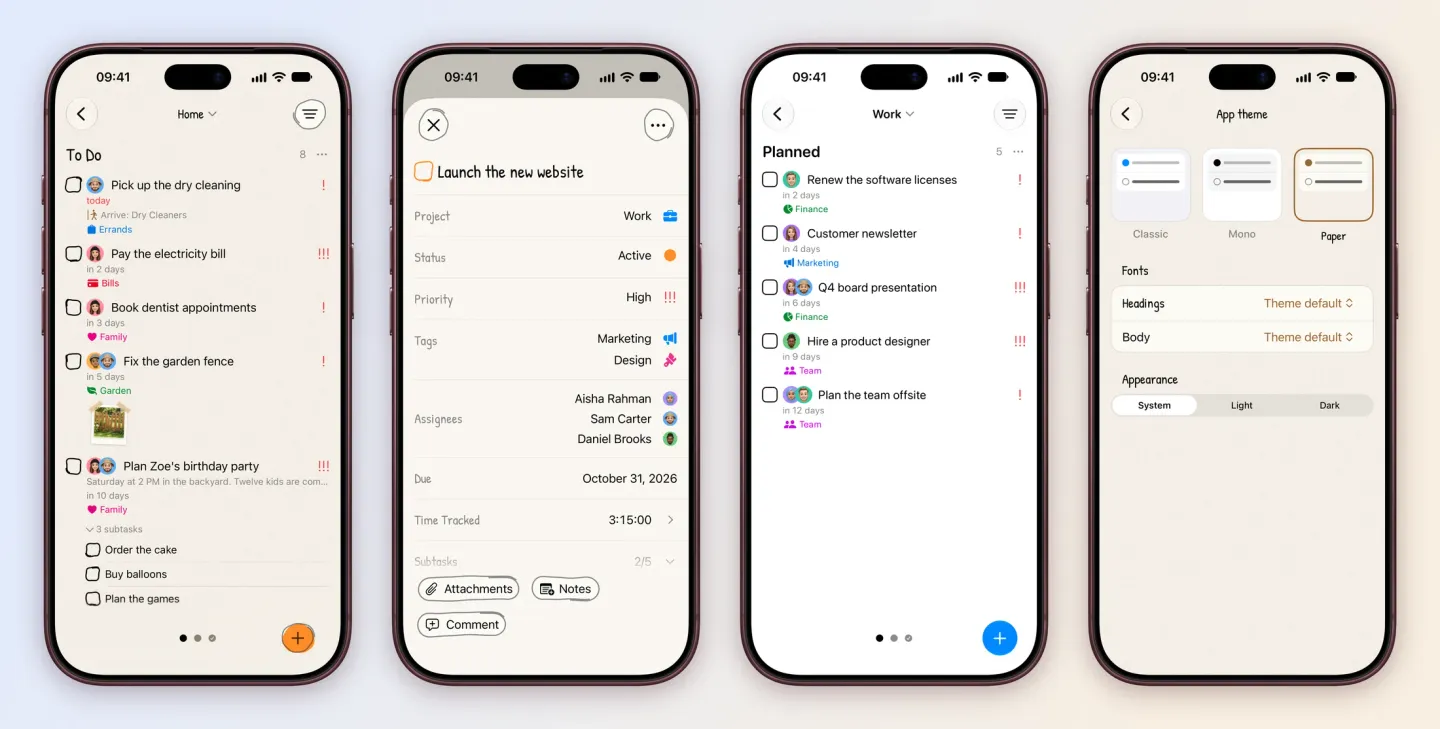
- Themes. Pick Classic, Mono or Paper in Settings, then choose your own fonts for headings and body text. Each theme works in light and dark. Mono, Paper and custom fonts come with Tasks Plus. Pick a theme.
- Paper. Handwritten headings, a paper grain, checkboxes and buttons drawn by hand, and an ink tick when you finish something.
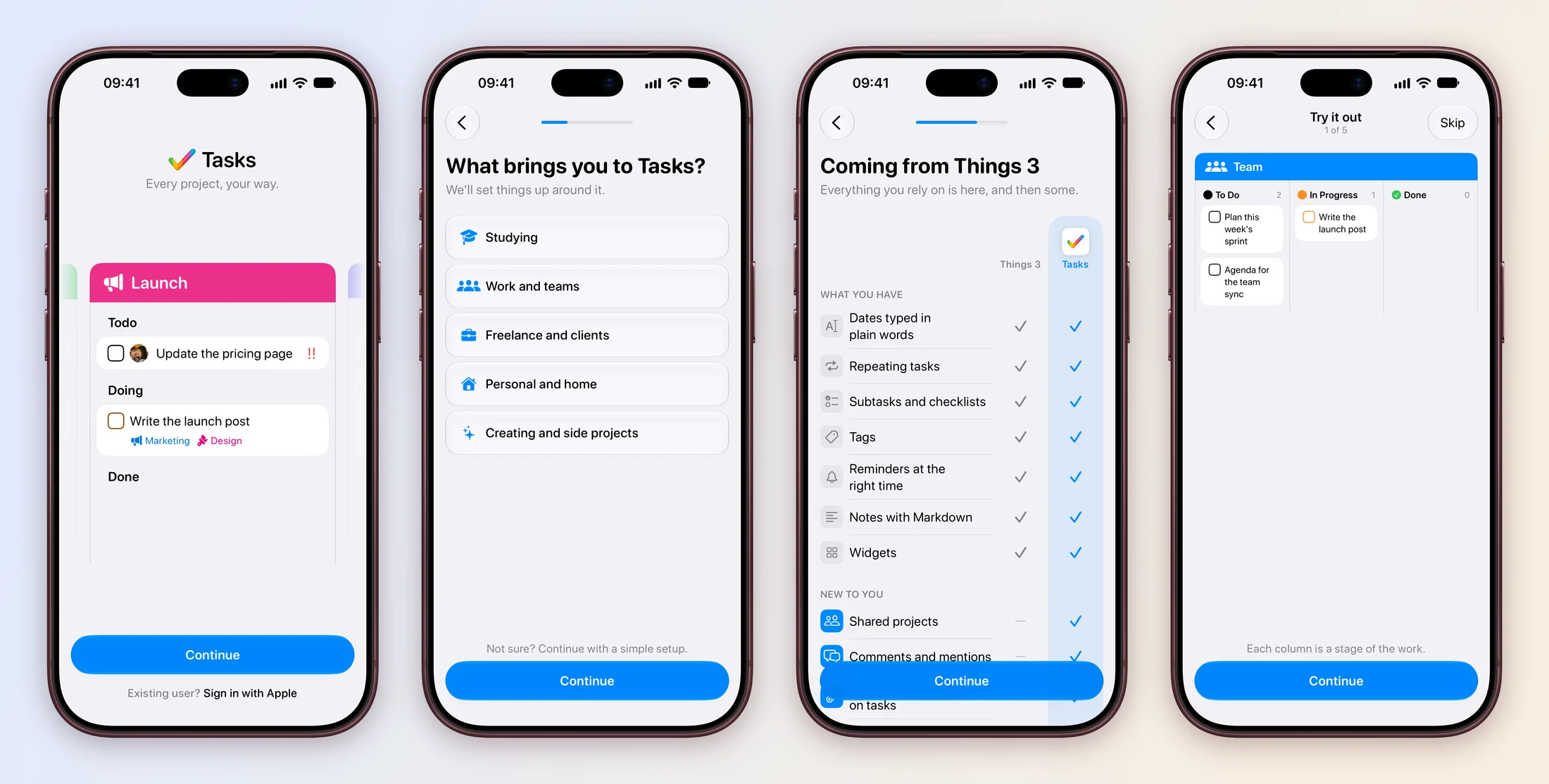
- A new start. New users answer a few quick questions: what brings you to Tasks, what you want to keep on top of, who you work with and which app you’re coming from. Tasks sets up a project around the answers, then a short tour lets you type a date, a priority and a tag and move a card on a real board. It’s in every language Tasks speaks.
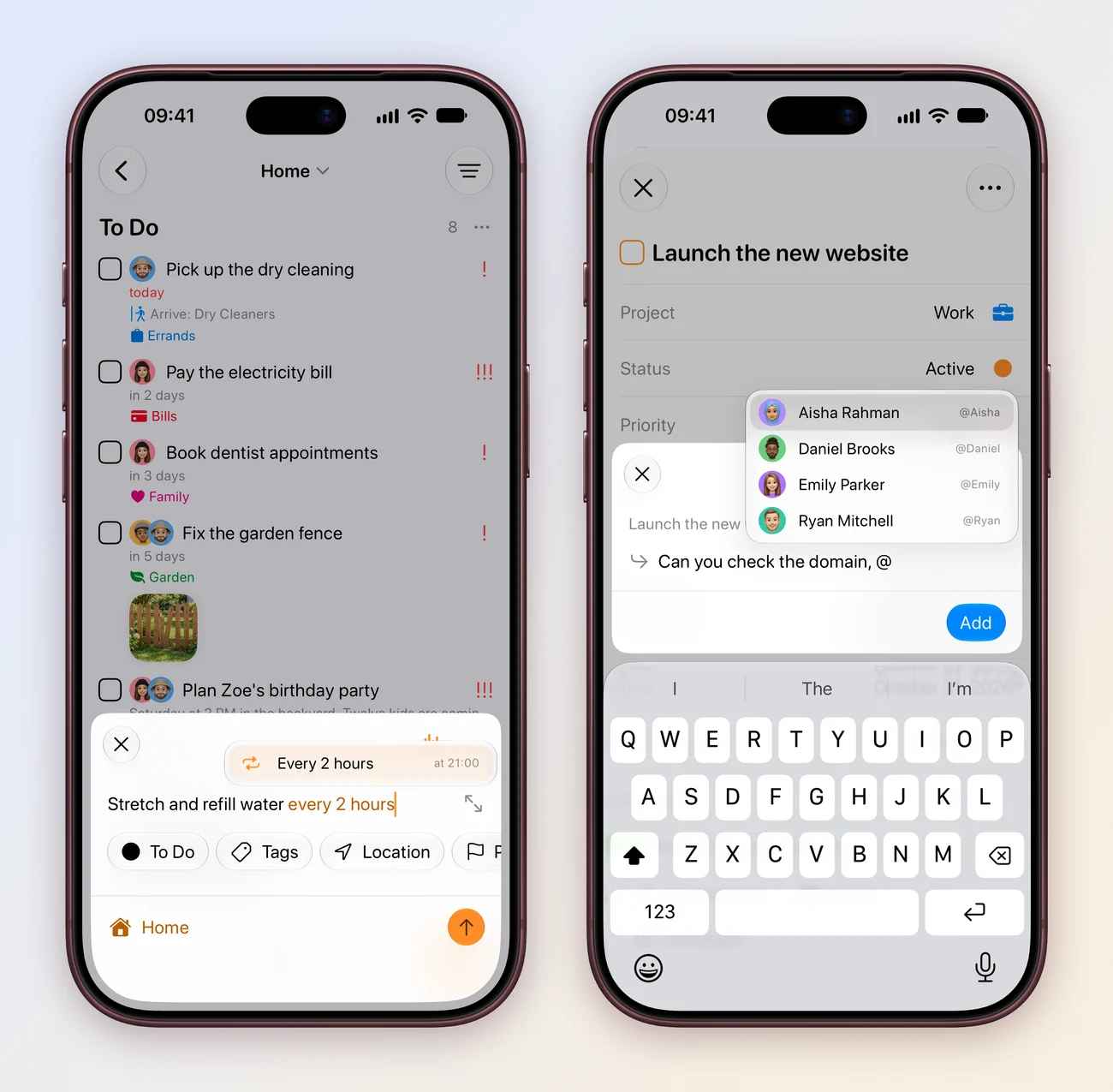
- @mentions in comments. Type @ in a comment to pick someone from the project. Work together.
- Repeat every few minutes or hours. Type “every 2 hours” or pick it in Custom. When you finish a repeating task, Tasks tells you when it’s next due. Repeating tasks.
- Drop things onto tasks. Drag emails, images and PDFs straight onto a card on your board or into a task.
- Take a photo and attach it to a task.
- Voice input waits for you. In Accessibility settings, choose how long Tasks keeps listening through a pause, or have it listen until you tap.
- Reminders that keep up. Tasks shares out the reminders iOS keeps scheduled, so repeating ones never run out.
- Tag colours tuned for light and dark mode, with tag text that stays readable on both.
- Clearer boards. A board with no columns says why, one with every column hidden can show them again, and a drop that can’t happen tells you why.
- Apple Watch welcomes you with Sign in with Apple, shows your projects as they load and shows iCloud projects without signing in.
- A smaller download. The iPhone app went from 41 to 32 MB.
Fixes
- Quick add on Apple Watch works again.
- A moved task’s attachments keep loading after the original is deleted, and attachment names survive sync.
- Pulling down a column in a filter such as Scheduled adds the task to the last project you opened.
- Moved tasks keep their tags.
- Task titles keep their line breaks on cards.
- Task rows show at most three faces, with a count for the rest.
- The time tracking Live Activity no longer clips.
- Apple Reminders lists with an unnamed location alarm sync.
- Syncing no longer brings the Mac app to the front.
- Escape finishes editing first, then closes the screen.